
How to Set Up EPG on IPTV Smarters Pro (2026 Complete Guide)
IPTV streaming experts with 5+ years of hands-on experience testing IPTV players, apps, and services across Android, iOS, Firestick, and Smart TV platforms.
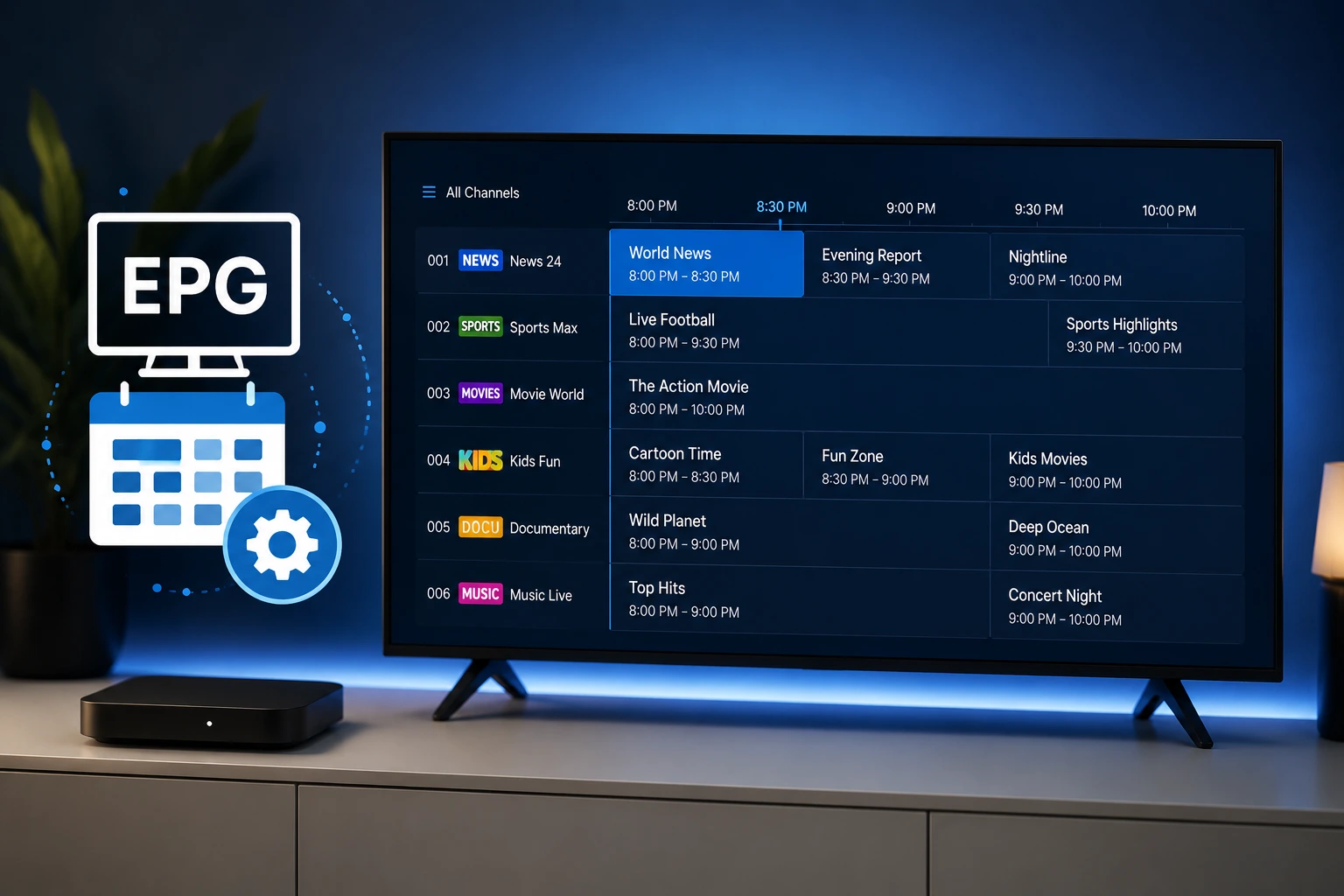
To configure EPG on IPTV Smarters Pro, go to Settings > EPG and choose your data source. If using Xtream Codes, EPG loads automatically. If using M3U, enter your XMLTV URL provided by your IPTV service. Select your time zone and the guide populates within a few minutes.
Key Takeaways
- EPG (Electronic Program Guide) shows real-time TV schedules for your channels
- Xtream Codes users get EPG data automatically through the API connection
- M3U playlist users need a separate XMLTV URL for EPG data
- Set your correct time zone in EPG settings for accurate schedule times
- EPG data typically takes 2-5 minutes to fully load after configuration
In This Article
What Is EPG
EPG stands for Electronic Program Guide, a feature that displays scheduled programming information for TV channels. In IPTV Smarters Pro, the EPG shows what is currently playing, what will air next, and the full schedule for each channel. This information includes program titles, descriptions, start times, duration, and sometimes episode information.
A well-configured EPG transforms your IPTV experience from a simple channel list into a familiar TV guide interface similar to traditional cable or satellite TV. You can browse programs by time, see descriptions before watching, and set reminders for upcoming shows.
EPG Setup with Xtream Codes
If you use Xtream Codes to connect to your IPTV service, EPG data is typically provided automatically through the API. When you log in with Xtream Codes, the server sends EPG information alongside your channel list, and IPTV Smarters Pro processes it automatically.
To verify your EPG is working with Xtream Codes, go to Settings > EPG in the app. You should see that an EPG source is already configured from your Xtream Codes connection. If the EPG data is not appearing after login, try refreshing the EPG data in settings.
Some Xtream Codes providers may still require you to enter a separate XMLTV URL for full EPG support. Check with your IPTV provider if the built-in Xtream Codes EPG data is incomplete or missing.
Xtream Codes Offers the Best EPG Experience
EPG Setup with XMLTV URL
If you use an M3U playlist to connect to IPTV Smarters Pro, you will need a separate XMLTV URL for EPG data. Your IPTV provider should supply this URL along with your M3U playlist. The XMLTV format is the standard format for TV program data exchange.
To add an XMLTV URL, go to Settings > EPG > Add EPG Source in IPTV Smarters Pro. Paste the XMLTV URL provided by your IPTV service into the URL field. Give the EPG source a name (usually matching your playlist name) and save it.
The app will download and process the XMLTV data. Depending on the size of the data, this can take 1-3 minutes. Once processed, the EPG information appears in your Live TV section showing program schedules for your channels.
XMLTV URL May Differ from Your M3U URL
Configuring Time Zone Settings
Time zone configuration is essential for accurate EPG display. If your EPG shows programs at the wrong times, your time zone is likely set incorrectly. In IPTV Smarters Pro, go to Settings > EPG > Time Zone and select your correct time zone from the list.
Most EPG data from IPTV providers uses UTC (Coordinated Universal Time) internally. The app needs your local time zone to convert the schedule times correctly. If you select the wrong time zone, all program times will appear shifted by the difference between your actual time zone and the selected one.
How to Fix Missing EPG Data
- No EPG data at all: Verify your XMLTV URL or Xtream Codes credentials are correct
- EPG shows wrong times: Check your time zone setting in Settings > EPG > Time Zone
- Only some channels have EPG: The provider may not supply EPG for all channels — this is normal
- EPG data is outdated: Trigger a manual EPG refresh in settings
- EPG disappeared after update: Re-enter your XMLTV URL or reconnect your Xtream Codes account
EPG Refresh and Maintenance
EPG data is not live — it is downloaded periodically from your provider's server. IPTV Smarters Pro caches EPG data locally to reduce loading times and server requests. However, you may need to refresh the EPG data to see the latest program schedules.
To manually refresh EPG data, go to Settings > EPG > Refresh EPG. The app will re-download the XMLTV file or fetch fresh data from the Xtream Codes API. Depending on the data size, this takes 1-3 minutes.
The app automatically refreshes EPG data every 24 hours by default. You can adjust this interval in the EPG settings. We recommend keeping the default 24-hour interval for a good balance between fresh data and performance.
Advanced EPG Troubleshooting
- EPG loads but channels are misaligned: The XMLTV IDs may not match the channel IDs in your playlist — ask your provider for a matching set
- App crashes when loading EPG: Your XMLTV file may be too large — try using a compressed XMLTV.gz URL if available
- EPG data uses too much storage: Reduce the EPG retention period in settings to store fewer days of program data
- No EPG despite correct configuration: Some IPTV providers do not offer EPG — consider switching to a provider that supports it
- EPG works on one device but not another: Configure EPG separately on each device — settings do not sync between devices
For more help, visit our troubleshooting hub with solutions for common IPTV Smarters Pro issues.
Ready to Install?
Download IPTV Smarters Pro for free and follow the steps above to get started on your device.
Download IPTV Smarters ProConclusion
Setting up EPG in IPTV Smarters Pro significantly enhances your IPTV experience by showing you what is playing now and next on every channel. Xtream Codes users enjoy automatic EPG configuration, while M3U users need to add a separate XMLTV URL. With correct time zone settings and periodic refreshes, your TV guide stays accurate and useful. See our Xtream Codes guide or M3U playlist guide for connection setup help.
IPTV Smarters Pro Team
IPTV streaming experts with 5+ years of hands-on experience testing IPTV players, apps, and services across Android, iOS, Firestick, and Smart TV platforms.
The IPTV Smarters Pro Team has been covering IPTV technology since 2021. We test every app, feature, and device ourselves to provide accurate, practical guides. Our reviews and tutorials have helped over 100,000 readers set up IPTV on their devices.