
How to Install IPTV Smarters Pro on LG TV
IPTV streaming experts with 5+ years of hands-on experience testing IPTV players, apps, and services across Android, iOS, Firestick, and Smart TV platforms.
IPTV Smarters Pro is an incredible video streaming player developed especially for end-users that want to watch live TV, VOD, Series and TV Catchup on their Smart TV. It is easy to use, highly efficient, with a powerful player, attractive layout, and most importantly user-friendly. On LG Smart TVs, you can download it directly from the LG Content Store — no sideloading required.
Key Takeaways
- IPTV Smarters Pro is available directly from the LG Content Store — no Developer Mode or sideloading needed
- Press the Home button on your LG remote to access the main menu
- Navigate to the LG Content Store and search for IPTV Smarters Pro
- Log in with your Username, Password, and Portal URL from your IPTV provider
- Premium Version features are not available on LG Smart TVs
In This Article
Overview
IPTV Smarters Pro is an incredible video streaming player which is developed especially for end-users that want to be provided with the facility to watch live TV, VOD, Series and TV Catchup on their Smart TV. This video player app is easy to use and yet highly efficient with a powerful player, attractive and very impressive layout and most importantly user-friendly.
On LG Smart TVs, the installation is straightforward. Unlike older methods that required Developer Mode, the app is now available directly from the LG Content Store. Just search, download, and log in.
Step 1: Access the Home Menu
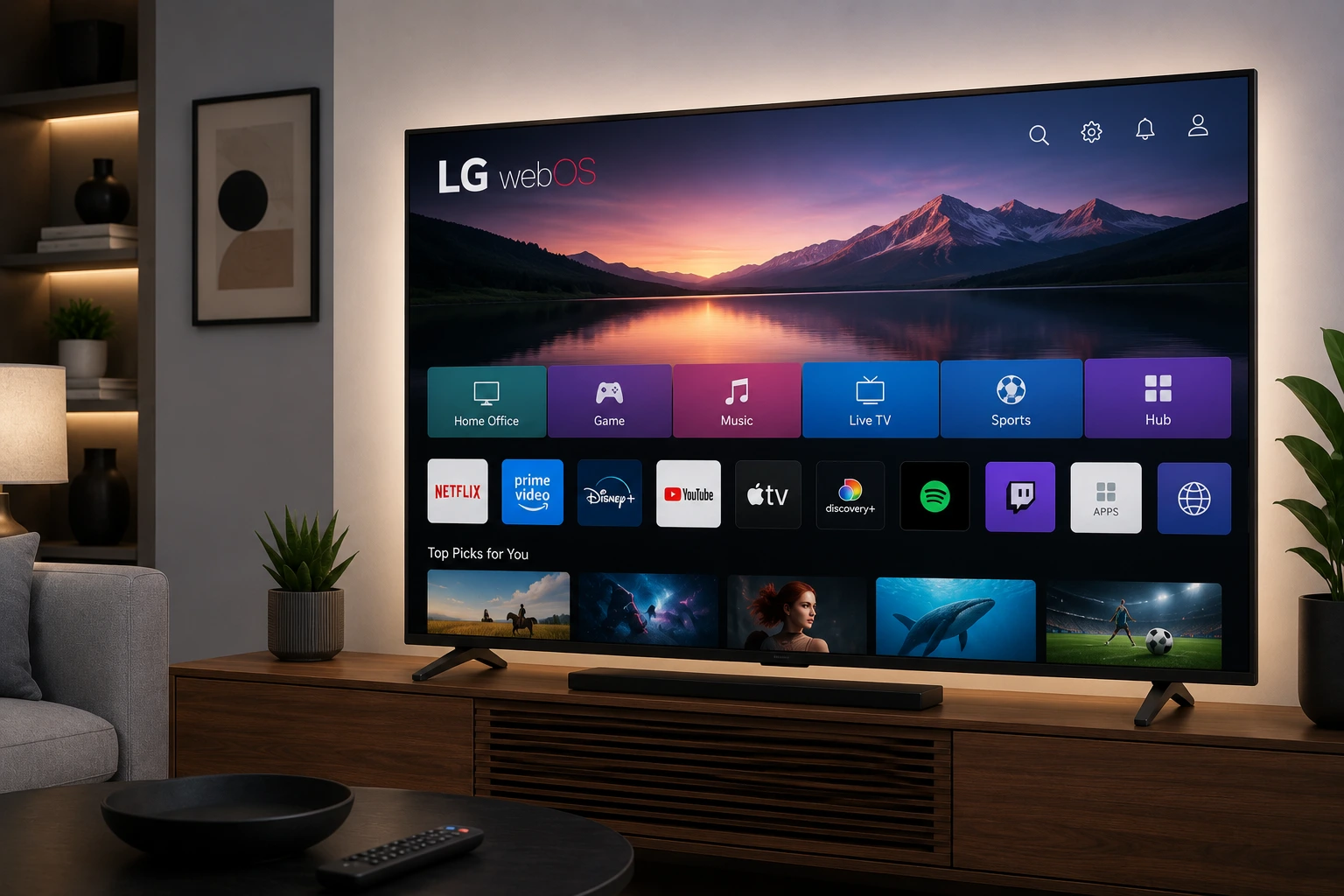
Press the Home button on your LG remote to begin. This will open the main menu where you can access apps and the LG Content Store.
Step 2: Open the LG Content Store
Navigate to the LG Content Storeand open it. This is LG's official app store where you can find and download apps for your Smart TV.
Step 3: Download IPTV Smarters Pro
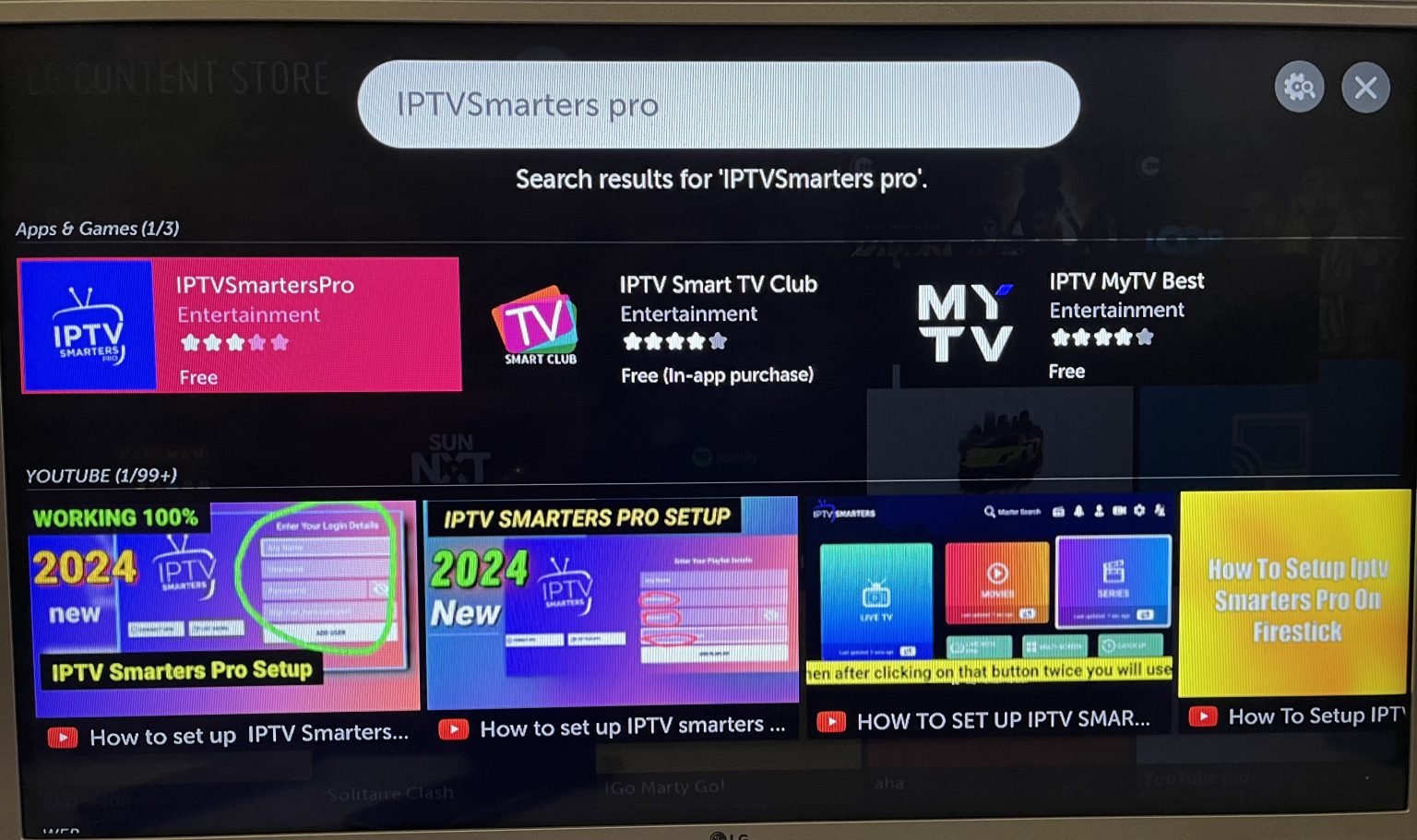
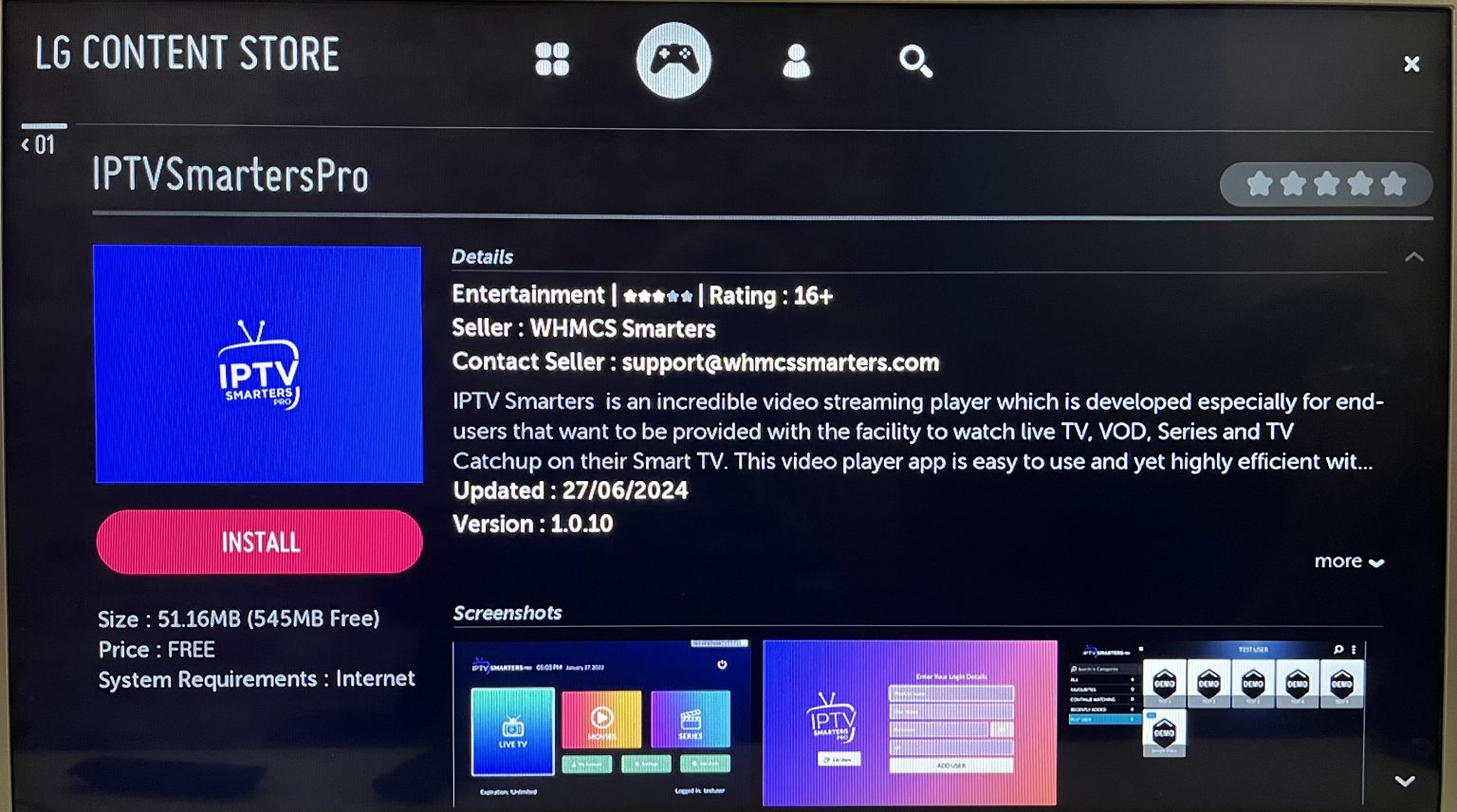
Select the Search button and type in IPTV Smarters Pro to find the app. Select it from the search results and download it to your LG TV. The installation will begin automatically.
Step 4: Log In to the Application
Open the application and log in using your subscription details: Username, Password, and Portal URL. These credentials are provided by your IPTV service provider.
Pro Tip
Important Notes
- Ensure that your service provider has their DNS registered with LG for optimal performance
- Premium version features are not available for LG Smart TVs. Some advanced features available on other platforms may be limited on LG.
- The app works on LG Smart TVs running webOS (2018 models and newer)
Premium Features Limitation
Troubleshooting
If you encounter issues, try these solutions:
- App not found in Content Store: Make sure your LG TV is connected to the internet and try searching again. The app may not be available in all regions.
- Login fails: Double-check your Username, Password, and Portal URL with your IPTV provider
- App crashes or buffers: Restart your TV by unplugging it for 30 seconds, then plug it back in
- Channels not loading: Verify that your internet connection is stable and that your subscription is active
For more help, visit our troubleshooting hub with solutions for common IPTV Smarters Pro issues.
Ready to Install?
Download IPTV Smarters Pro for free and follow the steps above to get started on your device.
Download IPTV Smarters ProConclusion
Installing IPTV Smarters Pro on your LG TV is simple — just open the LG Content Store, search for the app, download, and log in with your provider credentials. No Developer Mode, no sideloading, no USB drives. In under five minutes you can be watching live TV, movies, and series on your LG Smart TV. Check our Samsung TV guide or Firestick guide for other devices.
IPTV Smarters Pro Team
IPTV streaming experts with 5+ years of hands-on experience testing IPTV players, apps, and services across Android, iOS, Firestick, and Smart TV platforms.
The IPTV Smarters Pro Team has been covering IPTV technology since 2021. We test every app, feature, and device ourselves to provide accurate, practical guides. Our reviews and tutorials have helped over 100,000 readers set up IPTV on their devices.