
How to Install IPTV Smarters Pro on Firestick (2026 Complete Guide)
IPTV streaming experts with 5+ years of hands-on experience testing IPTV players, apps, and services across Android, iOS, Firestick, and Smart TV platforms.
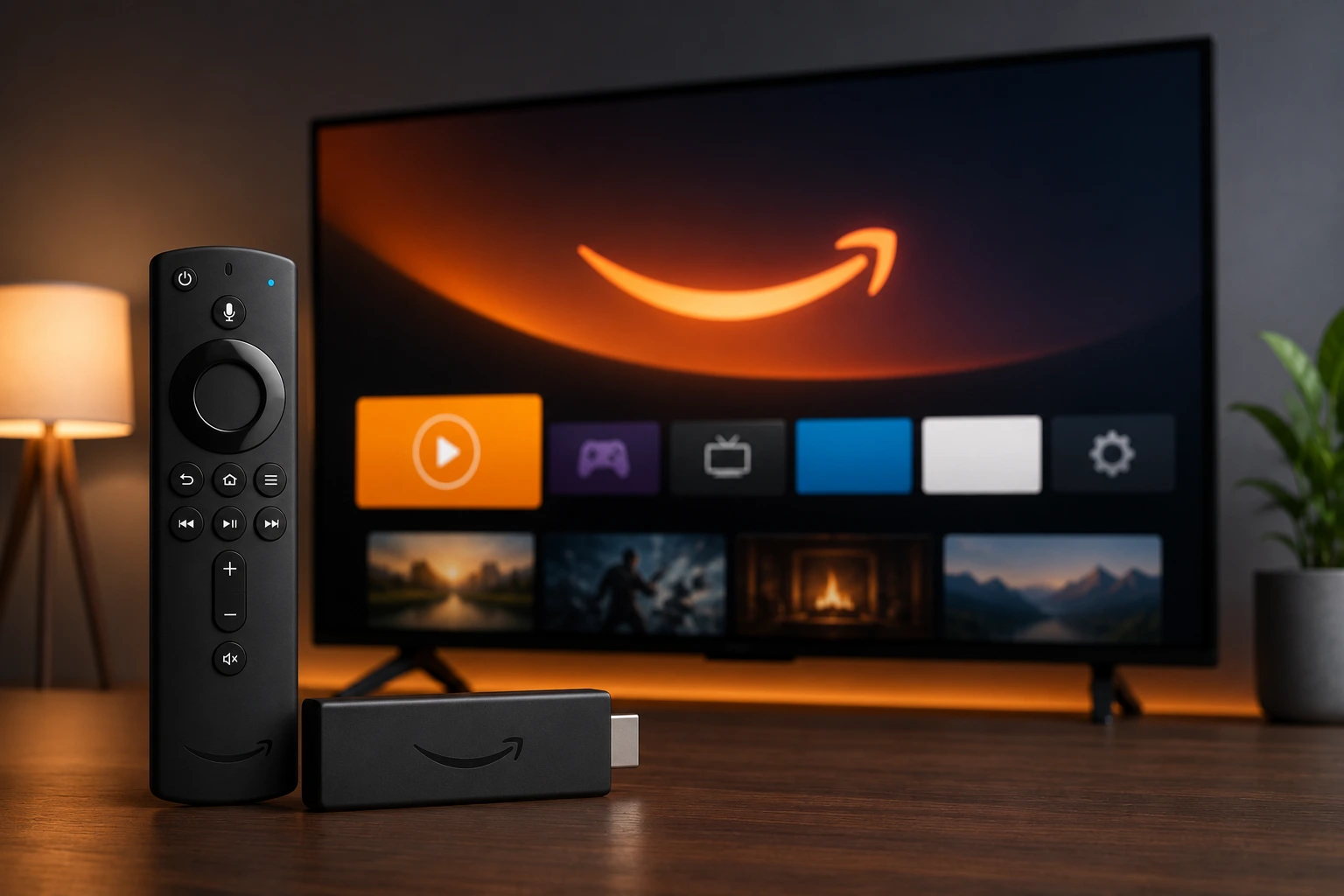
To install IPTV Smarters Pro on Firestick, enable Apps from Unknown Sources in Developer Options, install the Downloader app from the Amazon App Store, enter the official APK URL in Downloader, and complete the installation. The process takes about 5 minutes and requires no computer.
Key Takeaways
- Enable Apps from Unknown Sources in Settings > My Fire TV > Developer Options first
- Use the free Downloader app from the Amazon App Store to sideload the APK
- Always download IPTV Smarters Pro from the official source to avoid malware
- IPTV Smarters Pro supports both M3U playlists and Xtream Codes API on Firestick
- Delete the APK installer after installation to free up Firestick storage
In This Article
What You Need
Before starting the installation, make sure you have the following ready.
- Amazon Firestick (2nd Gen or newer), Fire TV Stick Lite, or Fire TV Cube
- A stable internet connection on your Firestick
- The Downloader app (free, available in the Amazon App Store)
- Your IPTV subscription credentials (M3U URL or Xtream Codes)
- About 5 minutes of setup time
Enable Apps from Unknown Sources
Firestick blocks sideloaded apps by default. You must enable sideloading before you can install IPTV Smarters Pro. Go to Settings > My Fire TV > Developer Options > Apps from Unknown Sources and toggle it ON.
If you do not see Developer Options in your Settings menu, go to Settings > My Fire TV > About and click the device name seven times. This unlocks the hidden Developer Options menu.
Install the Downloader App
From the Firestick home screen, select Find > Search and type "Downloader." Select the Downloader app developed by AFTVnews from the search results and click Download or Install.
Once installed, open the Downloader app. Accept the terms and conditions when prompted. You may also need to grant Downloader accessibility permissions to enable automatic APK installation.
Download the APK
In the Downloader app, you will see a URL input field. Enter the official download URL for IPTV Smarters Pro APK. You can find the current download link on our official download page. After entering the URL, click Go.
The APK file will begin downloading to your Firestick. The download typically completes within 30 to 60 seconds depending on your internet speed. Wait for the download to finish before proceeding.
Download from Official Sources Only
Install the APK
Once the download completes, Downloader will automatically prompt you to install the APK file. Click Install to begin the installation process. The installation takes only a few seconds.
After installation, select Done instead of Open to return to Downloader. This lets you delete the APK installer file to free up storage space on your Firestick. Firestick devices have limited internal storage, so this step is important for maintaining device performance.
Free Up Storage Space
Launch and Login
Go back to the Firestick home screen and navigate to Apps > Your Apps & Library. You should see IPTV Smarters Pro in your list of installed apps. Select it to launch the application.
On the login screen, you have two options to connect your IPTV subscription. You can enter an M3U Playlist URL or use Xtream Codes API with your server URL, username, and password. See our M3U setup guide or Xtream Codes guide for detailed instructions.
Tips for the Best Streaming Experience
To get the most out of IPTV Smarters Pro on your Firestick, follow these recommendations.
- Use a wired Ethernet connection instead of Wi-Fi for more stable streaming
- Clear the app cache regularly in Settings > Applications > Manage Installed Applications
- Use a VPN for privacy if recommended by your IPTV provider
- Keep the app updated to the latest version for bug fixes and new features
- Restart your Firestick once a week to clear memory and improve performance
Common Issues and Fixes
If you run into problems during installation, here are the most common issues and their solutions.
- Downloader fails to install APK: Make sure Apps from Unknown Sources is enabled in Developer Options
- App does not appear after installation: Restart your Firestick by unplugging it for 30 seconds
- APK download fails or is slow: Check your internet connection and try again, or restart the Downloader app
- Login errors: Verify your M3U URL or Xtream Codes credentials with your IPTV provider
- Buffering during playback: Reduce streaming quality in app settings or switch to a wired connection
For more help, visit our troubleshooting hub with solutions for common IPTV Smarters Pro issues.
Ready to Install?
Download IPTV Smarters Pro for free and follow the steps above to get started on your device.
Download IPTV Smarters ProConclusion
Installing IPTV Smarters Pro on your Firestick is a straightforward process that takes just a few minutes using the Downloader sideload method. Once installed, you can access all your IPTV channels, movies, and series with full EPG support and multi-screen functionality. For device-specific setup help, check our Samsung TV guide or LG TV guide.
IPTV Smarters Pro Team
IPTV streaming experts with 5+ years of hands-on experience testing IPTV players, apps, and services across Android, iOS, Firestick, and Smart TV platforms.
The IPTV Smarters Pro Team has been covering IPTV technology since 2021. We test every app, feature, and device ourselves to provide accurate, practical guides. Our reviews and tutorials have helped over 100,000 readers set up IPTV on their devices.