
How to Set Up Xtream Codes on IPTV Smarters Pro (2026 Complete Guide)
IPTV streaming experts with 5+ years of hands-on experience testing IPTV players, apps, and services across Android, iOS, Firestick, and Smart TV platforms.
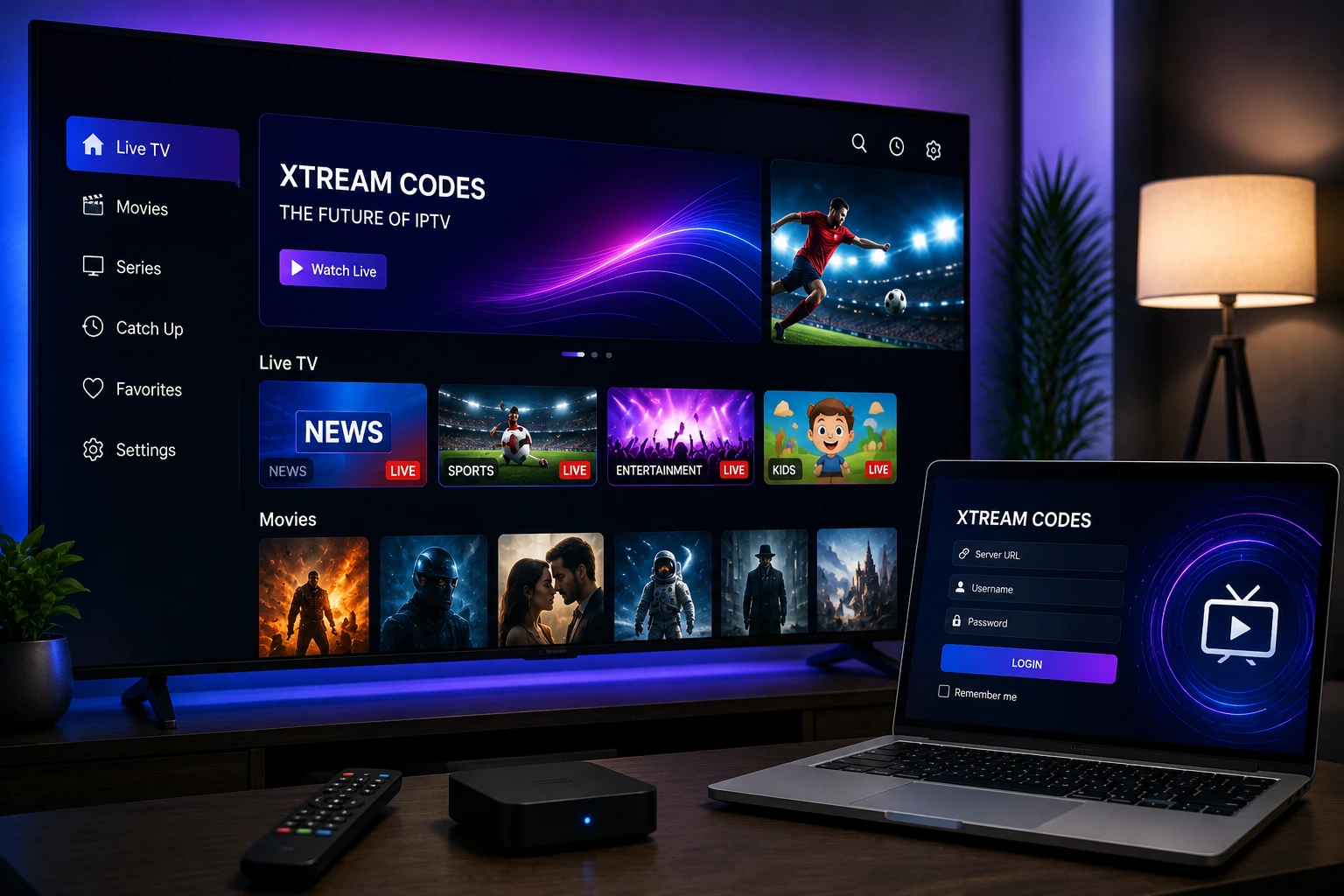
To log in with Xtream Codes on IPTV Smarters Pro, select the Xtream Codes option on the login screen. Enter your DNS server URL, username, and password exactly as provided by your IPTV service. Select the correct port (usually 80 or 8080) and tap Connect. Your content will load automatically.
Key Takeaways
- Xtream Codes uses a DNS server URL, username, and password for authentication
- All credentials are case-sensitive — enter them exactly as provided by your IPTV service
- The default port is usually 80, but some providers use 8080 or other custom ports
- Xtream Codes provides better category organization and EPG support than M3U playlists
- The API connection is more stable than M3U URLs for most IPTV services
In This Article
What Is Xtream Codes
Xtream Codes is an API-based authentication system used by IPTV providers to deliver content to player applications like IPTV Smarters Pro. Instead of a single playlist URL, Xtream Codes uses a server address (DNS), username, and password to establish a secure API connection.
The Xtream Codes API provides structured access to all content categories including Live TV, Movies, Series, and Catch-Up TV. It also delivers EPG data, channel logos, and category information directly through the API, creating a richer and more organized user experience compared to standard M3U playlists.
Xtream Codes Login Fields Explained
When you select Login with Xtream Codes in IPTV Smarters Pro, you will see several input fields. Understanding each one helps ensure a successful connection.
- DNS Server URL: The server address provided by your IPTV provider, typically starting with http:// and including a domain or IP address and sometimes a port
- Username: Your unique username assigned by your IPTV provider for accessing their service
- Password: The corresponding password for your IPTV account
- Port: The network port for the API connection — usually 80 (HTTP) or 8080 (alternative HTTP)
Enter Credentials Exactly as Provided
How to Enter Your Credentials
Open IPTV Smarters Pro and select Login with Xtream Codes. Start with the DNS Server URL field. Enter the full server address exactly as provided by your IPTV service. This typically looks like http://your-provider-server.com:8080 or https://your-provider-server.com.
Next, enter your username in the username field. Be careful with uppercase and lowercase letters. Then enter your password in the password field. Select the correct port number — your provider will specify which port to use, typically 80 or 8080.
After entering all fields, tap Connect or Login. The app will send an API request to your provider's server. If the credentials are correct, the server responds with your channel list, movies, series, and EPG data. The app organizes everything automatically into categories for easy browsing.
Understanding Port Numbers
The port number tells IPTV Smarters Pro which network port to use when connecting to your IPTV provider's server. Most providers use one of the following ports.
- Port 80 — The default HTTP port, used by most IPTV providers for Xtream Codes API connections
- Port 8080 — An alternative HTTP port, commonly used by providers that want to avoid default port usage
- Port 443 — The HTTPS port, used by providers with SSL-enabled servers for encrypted connections
- Port 8880 or 25461 — Less common ports used by some providers for Xtream Codes API
If you are unsure which port to use, check the server URL provided by your IPTV service. If the URL includes a colon followed by a number (e.g., http://server.com:8080), that number is your port. If no port is specified in the URL, use port 80 as the default.
DNS Server URL Format Matters
Case Sensitivity in Credentials
Xtream Codes authentication is case-sensitive for both usernames and passwords. This is one of the most common causes of login failures. If your provider created your account with the username "JohnDoe" but you type "johndoe," the login will fail.
To avoid case sensitivity issues, always copy and paste your credentials directly from your provider's email, customer dashboard, or welcome message. Avoid typing credentials manually when possible. If you must type them, double-check every character and use the password reveal option to verify.
Xtream Codes vs M3U Comparison
| Feature | Xtream Codes | M3U Playlist |
|---|---|---|
| Setup Complexity | Simple (3 fields) | Simple (1 URL) |
| Content Categories | Auto-organized | Depends on playlist |
| EPG Support | Built-in | Requires separate EPG URL |
| Connection Stability | High | Moderate |
| VOD Support | Full category support | Limited |
| Credential Security | Separate fields (hidden) | Embedded in URL |
Common Xtream Codes Errors
- Invalid credentials error: Check username and password for case sensitivity and accuracy
- Connection timeout: Verify the DNS server URL and port number are correct
- Server not found: Ensure the DNS URL includes the correct protocol (http:// or https://)
- Account expired: Contact your IPTV provider to renew your subscription
- Max connections reached: Disconnect from other devices or ask your provider to increase the limit
- Empty channel list: Your provider may be experiencing server issues — try again later
For more help, visit our troubleshooting hub with solutions for common IPTV Smarters Pro issues.
Ready to Install?
Download IPTV Smarters Pro for free and follow the steps above to get started on your device.
Download IPTV Smarters ProConclusion
Xtream Codes API provides a more robust and feature-rich connection method compared to M3U playlists. With automatic category organization, built-in EPG, and better stability, it is the recommended login method if your IPTV provider supports it. If your provider does not offer Xtream Codes, see our M3U playlist guide or EPG setup guide for alternative configuration.
IPTV Smarters Pro Team
IPTV streaming experts with 5+ years of hands-on experience testing IPTV players, apps, and services across Android, iOS, Firestick, and Smart TV platforms.
The IPTV Smarters Pro Team has been covering IPTV technology since 2021. We test every app, feature, and device ourselves to provide accurate, practical guides. Our reviews and tutorials have helped over 100,000 readers set up IPTV on their devices.