
Best IPTV Player for LG TV (2026) — Top 5 Tested on webOS
IPTV streaming experts with 5+ years of hands-on experience testing IPTV players, apps, and services across Android, iOS, Firestick, and Smart TV platforms.
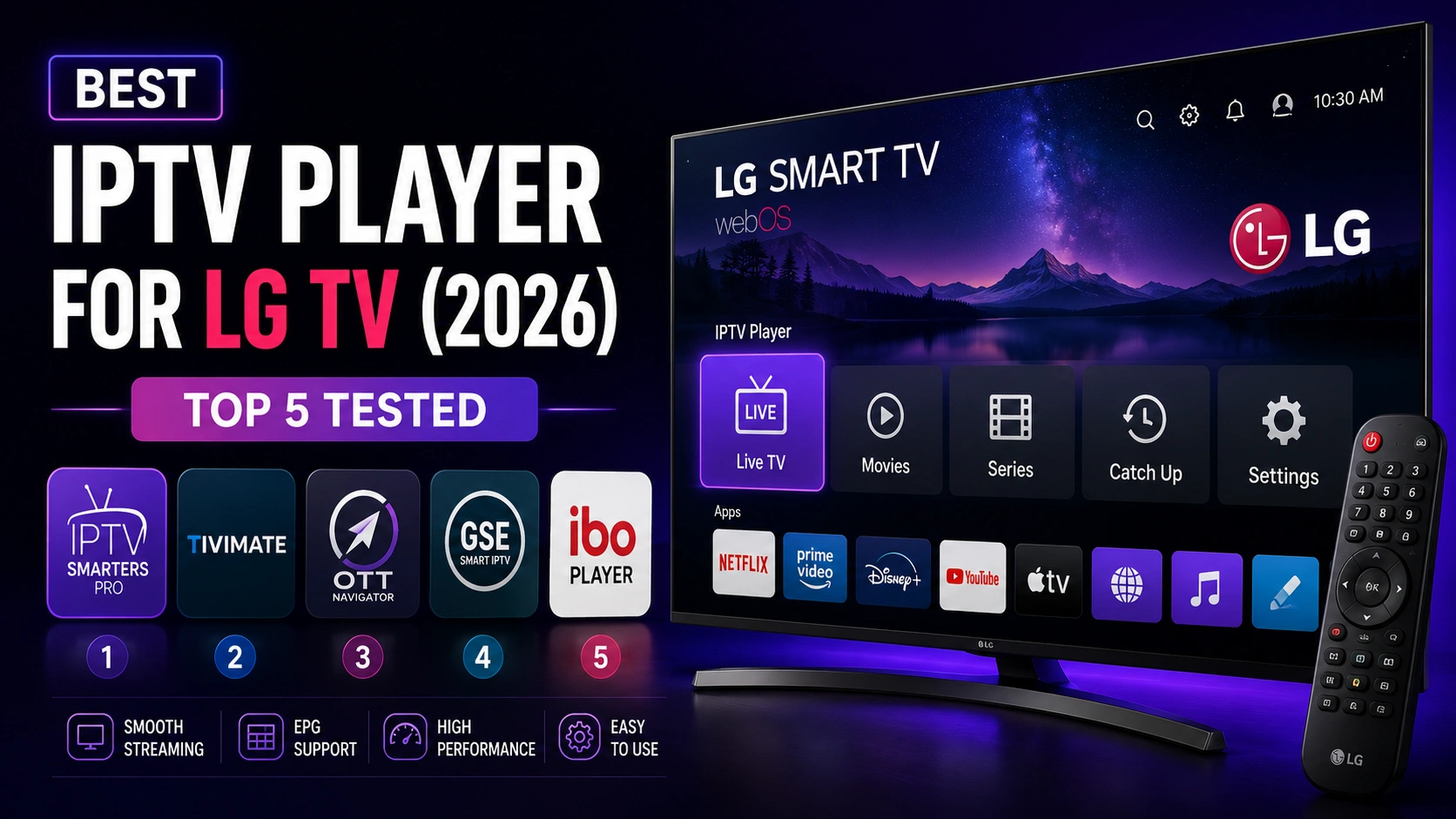
LG's webOS platform has a curated app ecosystem, and finding quality IPTV players requires knowing which apps are available and perform well. This guide tests and ranks the best IPTV players for LG Smart TVs.
Key Takeaways
- IPTV Smarters Pro is the best IPTV player for LG TV with native webOS support
- Free to download from LG Content Store with full feature set
- SS IPTV is free with ads; Smart IPTV costs 5 EUR
- Install directly from LG Content Store and log in with provider credentials
- Check each IPTV player supports M3U and Xtream Codes before committing
In This Article
The best IPTV player for LG TV in 2026 is IPTV Smarters Pro, available from the LG Content Store. It offers native webOS support, a TV-optimized interface, EPG, parental controls, and multi-screen. Alternatives include SS IPTV (free with ads) and Smart IPTV (paid). IPTV Smarters Pro is the top choice for its free pricing, full feature set, and reliable performance on LG webOS.
What Are the Top 5 IPTV Players for LG TV?
1. IPTV Smarters Pro — Best Overall (Free)
IPTV Smarters Pro is the best IPTV player for LG TV, offering native webOS support through the LG Content Store. It is free, includes EPG, parental controls, multi-screen, and both M3U and Xtream Codes support. The interface is optimized for LG TV remote navigation. See the LG TV installation guide for setup instructions.
2. SS IPTV
SS IPTV is a free option on the LG Content Store with basic IPTV functionality. It supports M3U playlists and includes advertisements. Performance is adequate for casual use but the interface and features are limited compared to IPTV Smarters Pro.
3. Smart IPTV
Smart IPTV has been available on LG TVs for years with a one-time license fee of approximately 5 EUR. It supports M3U playlists and EPG but has a dated interface and requires MAC address registration with your provider.
4. IPTV Smarters (webOS Lite)
A lightweight version of IPTV Smarters Pro optimized specifically for LG webOS devices with limited processing power. Includes core features like live TV, EPG, and VOD in a streamlined package.
5. GSE Smart IPTV
GSE Smart IPTV is available on LG webOS and supports both M3U and Xtream Codes. It offers a clean interface with EPG, parental controls, and subtitle support. Performance on newer LG TV models is reliable, though the free version includes occasional ads.
Quick Tip
Comparison Table
| Player | Price | EPG | M3U | Xtream | Rating |
|---|---|---|---|---|---|
| IPTV Smarters Pro | Free | Yes | Yes | Yes | 9.5/10 |
| SS IPTV | Free (ads) | Basic | Yes | No | 7.0/10 |
| Smart IPTV | 5 EUR | Yes | Yes | No | 8.0/10 |
| IPTV Smarters Lite | Free | Yes | Yes | Yes | 8.5/10 |
| GSE Smart IPTV | Free (ads) | Yes | Yes | Yes | 7.5/10 |
Keep in mind
How to Install IPTV Smarters Pro on LG TV
Step 1: Open LG Content Store
Press the Home button on your LG remote and select the LG Content Store icon.
Step 2: Search for the App
Use the search function and type "IPTV Smarters Pro" to find the application.
Step 3: Install
Select the app and choose Install. It will download and install automatically on your LG TV.
Step 4: Login and Stream
Open IPTV Smarters Pro and enter your M3U URL or Xtream Codes credentials. See the full LG TV guide for detailed instructions.
Which IPTV Player Is Best for LG TV?
IPTV Smarters Pro is the best IPTV player for LG TV with free access, full features, and native webOS support. Install it directly from the LG Content Store and start streaming in minutes.
FAQ
Is IPTV Smarters Pro available on LG Content Store?
Yes, IPTV Smarters Pro is available on the LG Content Store for most webOS models. Simply open the Content Store from your LG TV home screen, search for "IPTV Smarters Pro", and install it for free. If you cannot find it, check that your TV is running webOS 3.0 or later and that your region supports the app.
Does LG TV support Xtream Codes?
Yes, LG TVs running IPTV Smarters Pro support Xtream Codes API login. The app handles Xtream Codes natively, so you only need your server URL, username, and password — no need to generate M3U links manually.
Which LG TV models work best?
LG TVs with webOS 4.0 and above (2018+ models including OLED, NanoCell, and UHD series) offer the smoothest IPTV experience. These models have faster processors and better app support in the LG Content Store. Older webOS 3.0 models work but may experience slower navigation.
Can I use M3U playlists on LG TV?
Absolutely. IPTV Smarters Pro and most IPTV players on LG webOS support M3Uplaylist URLs. Simply copy your provider's M3U link and paste it into the app's login or playlist section. Make sure the URL is accessible from your home network — some providers require IP whitelisting.
Ready to Start Streaming?
Download IPTV Smarters Pro for free and enjoy live TV, movies, and series on all your devices.
Download IPTV Smarters ProConclusion
IPTV Smarters Pro is the best IPTV player for LG TV, offering free access, native webOS support, and a full feature set including EPG, parental controls, multi-screen, and both M3U and Xtream Codes compatibility. Install it directly from the LG Content Store and you will be streaming in minutes. For step-by-step setup help, check out our detailed LG TV installation guide. Ready to try it? Download IPTV Smarters Pro for free.
IPTV Smarters Pro Team
IPTV streaming experts with 5+ years of hands-on experience testing IPTV players, apps, and services across Android, iOS, Firestick, and Smart TV platforms.
The IPTV Smarters Pro Team has been covering IPTV technology since 2021. We test every app, feature, and device ourselves to provide accurate, practical guides. Our reviews and tutorials have helped over 100,000 readers set up IPTV on their devices.