
Best IPTV Player for Samsung TV (2026) — Top 5 Tested on Tizen
IPTV streaming experts with 5+ years of hands-on experience testing IPTV players, apps, and services across Android, iOS, Firestick, and Smart TV platforms.
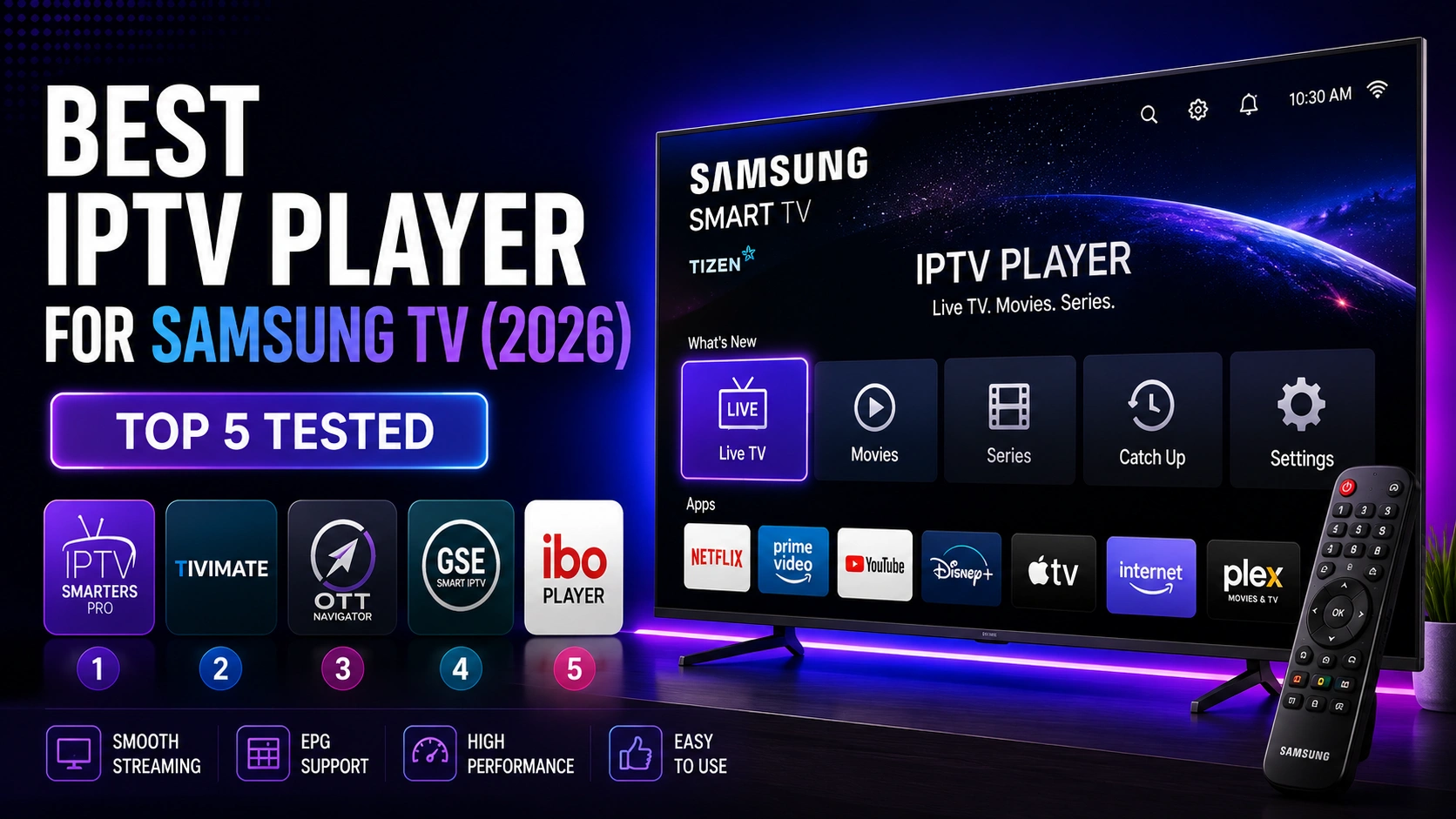
Finding a reliable IPTV player for Samsung Smart TV can be challenging because the Tizen operating system has a smaller app ecosystem than Android. This guide tests the top IPTV players available for Samsung TVs to help you choose the best option for your setup.
Key Takeaways
- IPTV Smarters Pro is the best IPTV player for Samsung TV with native Tizen support
- Free to download from Samsung Smart Hub with full feature set
- Smart IPTV costs 5 EUR but lacks Xtream Codes support
- SS IPTV is free with ads and has limited features
- Install directly from Smart Hub and log in with your provider credentials
In This Article
The best IPTV player for Samsung TV in 2026 is IPTV Smarters Pro, available directly from the Samsung Smart Hub. It offers native Tizen support, a TV-optimized interface, EPG, parental controls, and multi-screen. Alternatives include Smart IPTV (paid) and SS IPTV (free with ads). IPTV Smarters Pro is the top choice for its free pricing and full feature set on Samsung TVs.
Top 5 IPTV Players for Samsung TV
1. IPTV Smarters Pro — Best Overall (Free)
IPTV Smarters Pro is the best IPTV player for Samsung TV, offering native Tizen support through Samsung Smart Hub. It is free to download and includes EPG, parental controls, multi-screen, catch-up TV, and both M3U and Xtream Codes support. The interface is optimized for TV remote navigation with large, clear menus. See the Samsung TV installation guide for setup instructions.
2. Smart IPTV
Smart IPTV is a long-standing IPTV player for Samsung TVs with a one-time license fee of approximately 5 EUR. It supports M3U playlists and EPG but has a dated interface. The app requires MAC address registration on your provider's end, which adds setup complexity compared to IPTV Smarters Pro.
3. SS IPTV
SS IPTV is a free option available on Samsung Smart Hub. It supports M3U playlists and basic EPG but includes advertisements. Performance on older Samsung TV models can be inconsistent, and the interface is less polished than IPTV Smarters Pro.
4. IPTV Smarters (Lite Version)
A lighter version of IPTV Smarters Pro optimized for Smart TVs with limited processing power. It includes core features like live TV, VOD, and EPG while consuming fewer system resources. Available on Samsung Smart Hub in select regions.
5. GSE Smart IPTV
GSE Smart IPTV is available on Samsung TVs and supports M3U, Xtream Codes, and EPG. It offers a clean interface and multi-language support but is not free on all platforms. Performance on Tizen is generally good, though the free version includes ads.
Which to Choose?
If you want a free, full-featured IPTV player with native Tizen support, IPTV Smarters Pro is your best bet. For users who prefer a paid option with simple M3U playback, Smart IPTV is a solid alternative. SS IPTV and GSE Smart IPTV are good fallback options.
Comparison Table
| Player | Price | EPG | M3U | Xtream Codes | Rating |
|---|---|---|---|---|---|
| IPTV Smarters Pro | Free | Yes | Yes | Yes | 9.5/10 |
| Smart IPTV | 5 EUR | Yes | Yes | No | 8.0/10 |
| SS IPTV | Free (ads) | Basic | Yes | No | 7.0/10 |
| IPTV Smarters Lite | Free | Yes | Yes | Yes | 8.5/10 |
| GSE Smart IPTV | Free (ads) / Paid | Yes | Yes | Yes | 7.5/10 |
How to Install IPTV Smarters Pro on Samsung TV
Step 1: Open Smart Hub
Press the Smart Hub or Home button on your Samsung remote control to access the app menu.
Step 2: Search for the App
Use the search function and type "IPTV Smarters Pro" or navigate to the Video section to find the application.
Step 3: Install
Select the app and choose Install. The app will download and install automatically on your Samsung TV.
Step 4: Launch and Login
Open the app and enter your M3U URL or Xtream Codes credentials to start streaming. See the full Samsung TV guide for detailed instructions.
Sideloading Note
Samsung TVs use Tizen OS, not Android. You cannot sideload APK files. All IPTV apps must be installed directly from the Samsung Smart Hub. If an app is not available in your region's Smart Hub, it cannot be installed.
Frequently Asked Questions
Can I install IPTV Smarters Pro on any Samsung TV?
IPTV Smarters Pro is available on most Samsung Smart TVs manufactured after 2016 that run Tizen OS. Older models using the legacy Orsay platform are not supported. You can check the Samsung Smart Hub on your TV to see if the app is available for your specific model.
Do I need to sideload on Samsung TV?
No. Samsung TVs do not support sideloading APK files since they run Tizen OS, not Android. All IPTV apps for Samsung TV must be installed directly through the Samsung Smart Hub app store. This is why it is important to choose an app that is officially available in the Smart Hub.
Is TiviMate available on Samsung TV?
No, TiviMate is an Android-based IPTV player and is not available on Samsung Tizen TVs. TiviMate can only be installed on Android TV devices, Fire TV, or Android tablets. For Samsung TV, you should use IPTV Smarters Pro or other Tizen-compatible apps listed in this guide.
Which Samsung TV models support IPTV apps?
Any Samsung Smart TV running Tizen OS (2016 and newer) supports IPTV apps from the Smart Hub. This includes the Series 6, 7, 8, 9, QLED, Neo QLED, Crystal UHD, and Frame models. If your TV has a Smart Hub button on the remote, it can run IPTV apps.
Ready to Start Streaming?
Download IPTV Smarters Pro for free and enjoy live TV, movies, and series on all your devices.
Download IPTV Smarters ProConclusion
IPTV Smarters Pro is the clear winner for Samsung TV users, offering free access, full feature support, and native Tizen compatibility. While alternatives exist, none match the feature set, performance, and value of IPTV Smarters Pro on Samsung Smart TVs. For a complete walkthrough, check our Samsung TV installation guide. Ready to try it? Download IPTV Smarters Pro for free.
IPTV Smarters Pro Team
IPTV streaming experts with 5+ years of hands-on experience testing IPTV players, apps, and services across Android, iOS, Firestick, and Smart TV platforms.
The IPTV Smarters Pro Team has been covering IPTV technology since 2021. We test every app, feature, and device ourselves to provide accurate, practical guides. Our reviews and tutorials have helped over 100,000 readers set up IPTV on their devices.