
Download IPTV Smarters Pro APK (Latest Version 4.0.3) — Official Guide
IPTV streaming experts with 5+ years of hands-on experience testing IPTV players, apps, and services across Android, iOS, Firestick, and Smart TV platforms.
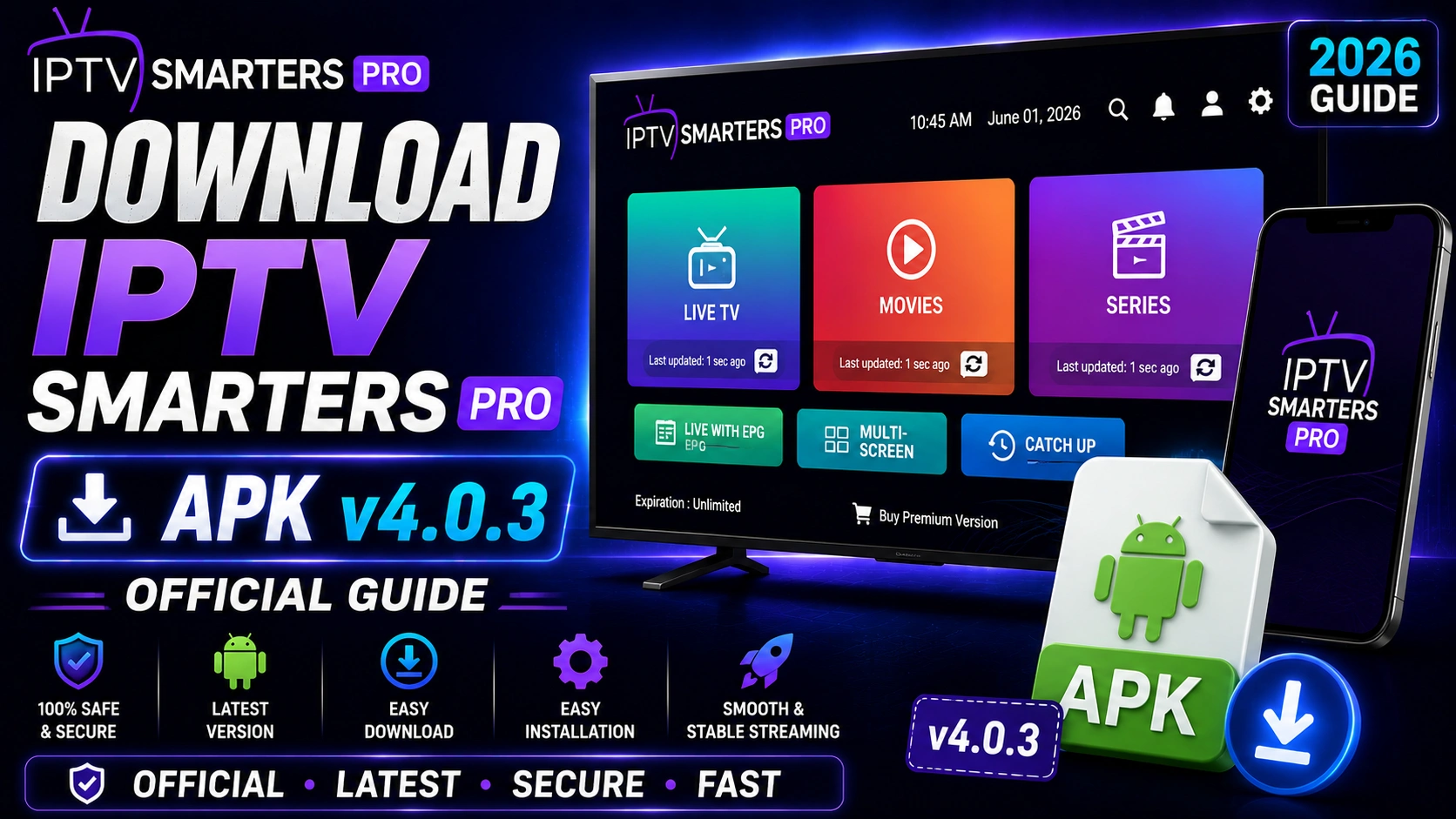
Looking for the latest IPTV Smarters ProAPK? You're in the right place. This guide walks you through downloading the official v4.0.3 APK, installing it on Android and Firestick, and staying safe while sideloading. No fluff — just the steps you actually need.
Key Takeaways
- Always download IPTV Smarters Pro APK from the official source to avoid malware
- APK v4.0.3 requires Android 5.0+ and is approximately 35 MB
- Enable Unknown Sources in settings before installing on Android or Firestick
- Use the Downloader app on Firestick for the easiest sideloading experience
- Keep the app updated for the latest features and security patches
In This Article
Download the latest IPTV Smarters Pro APK v4.0.3 directly from the official source. The APK file size is approximately 35 MB and requires Android 5.0 or higher. For Firestick, use the Downloader app and enter the official URL. Always download from trusted sources to avoid malware or modified APKs.
Why Download the Official APK?
Third-party APK download sites often host modified or outdated versions that may contain malware, ads, or broken features. Always download IPTV Smarters Pro from the official source to ensure you receive the authentic, unmodified application with regular security updates.
Official Download Link
Stay Safe
How to Install the APK on Android
Step 1: Enable Unknown Sources
Go to Settings > Security > Enable "Install from Unknown Sources" or "Install Unknown Apps." This permission is required to install apps outside the Google Play Store.
Step 2: Download the APK
Tap the download button above or visit the Android download page. The APK file will download to your device's Downloads folder.
Step 3: Install the Application
Open the Downloads folder, tap the APK file, and select Install. The installation takes approximately 30 seconds. Once complete, you will see the IPTV Smarters Pro icon in your app drawer.
How to Install on Firestick
Step 1: Install Downloader App
From the Firestick home screen, go to Find > Search and search for "Downloader." Install the Downloader app from the Amazon App Store.
Step 2: Configure Downloader
Open Downloader, go to Settings, and enable "Install from Unknown Sources." This allows Downloader to install APK files.
Step 3: Download and Install
In Downloader, enter the official APK URL from our download page. The file will download automatically. After download, select Install and then Done.
For a complete Firestick walkthrough, see our Firestick installation guide.
Version History
| Version | Release Date | Key Changes |
|---|---|---|
| 4.0.3 | May 2026 | Stability improvements, EPG fix, Android 16 support |
| 4.0.2 | Feb 2026 | Performance optimization, bug fixes |
| 4.0.1 | Nov 2025 | Multi-screen enhancement, UI refresh |
| 4.0.0 | Aug 2025 | Major update, new player engine, offline downloads |
Security Tips
- Only download APK files from the official source or trusted app stores
- Verify the file size is approximately 35 MB — modified APKs often differ in size
- Use antivirus software to scan APK files before installation
- Avoid APK files from forums, social media links, or unknown websites
- Keep the app updated to the latest version for security patches
Frequently Asked Questions
Is the APK safe?
Yes, when downloaded from the official source. The IPTV Smarters Pro APK v4.0.3 is safe to install as long as you get it directly from our official download page. Avoid third-party sites that may host modified versions containing malware or unwanted ads.
How do I update the app?
To update, simply download the latest APK version from our download page and install it over your existing installation. Your settings and data will be preserved — no need to uninstall first.
Does the APK work on Firestick?
Absolutely. The IPTV Smarters Pro APK works perfectly on Firestick, Fire TV, and Fire TV Cube. Follow our Firestick guide for step-by-step sideloading instructions using the Downloader app.
What's new in version 4.0.3?
Version 4.0.3 brings stability improvements, an EPG data fix for better guide accuracy, and Android 16 compatibility. It is a recommended update for all existing users.
Ready to Start Streaming?
Download IPTV Smarters Pro for free and enjoy live TV, movies, and series on all your devices.
Download IPTV Smarters ProConclusion
Downloading and installing the IPTV Smarters Pro APK is straightforward when you follow the official steps. Always use trusted sources, enable unknown sources only temporarily, and keep the app updated. For Firestick users, our complete Firestick guide covers everything. Ready to get started? Head to the download page and grab the latest version. Ready to try it? Download IPTV Smarters Pro for free.
IPTV Smarters Pro Team
IPTV streaming experts with 5+ years of hands-on experience testing IPTV players, apps, and services across Android, iOS, Firestick, and Smart TV platforms.
The IPTV Smarters Pro Team has been covering IPTV technology since 2021. We test every app, feature, and device ourselves to provide accurate, practical guides. Our reviews and tutorials have helped over 100,000 readers set up IPTV on their devices.