
Download IPTV Smarters Pro on Firestick (2026 Step-by-Step Guide)
IPTV streaming experts with 5+ years of hands-on experience testing IPTV players, apps, and services across Android, iOS, Firestick, and Smart TV platforms.
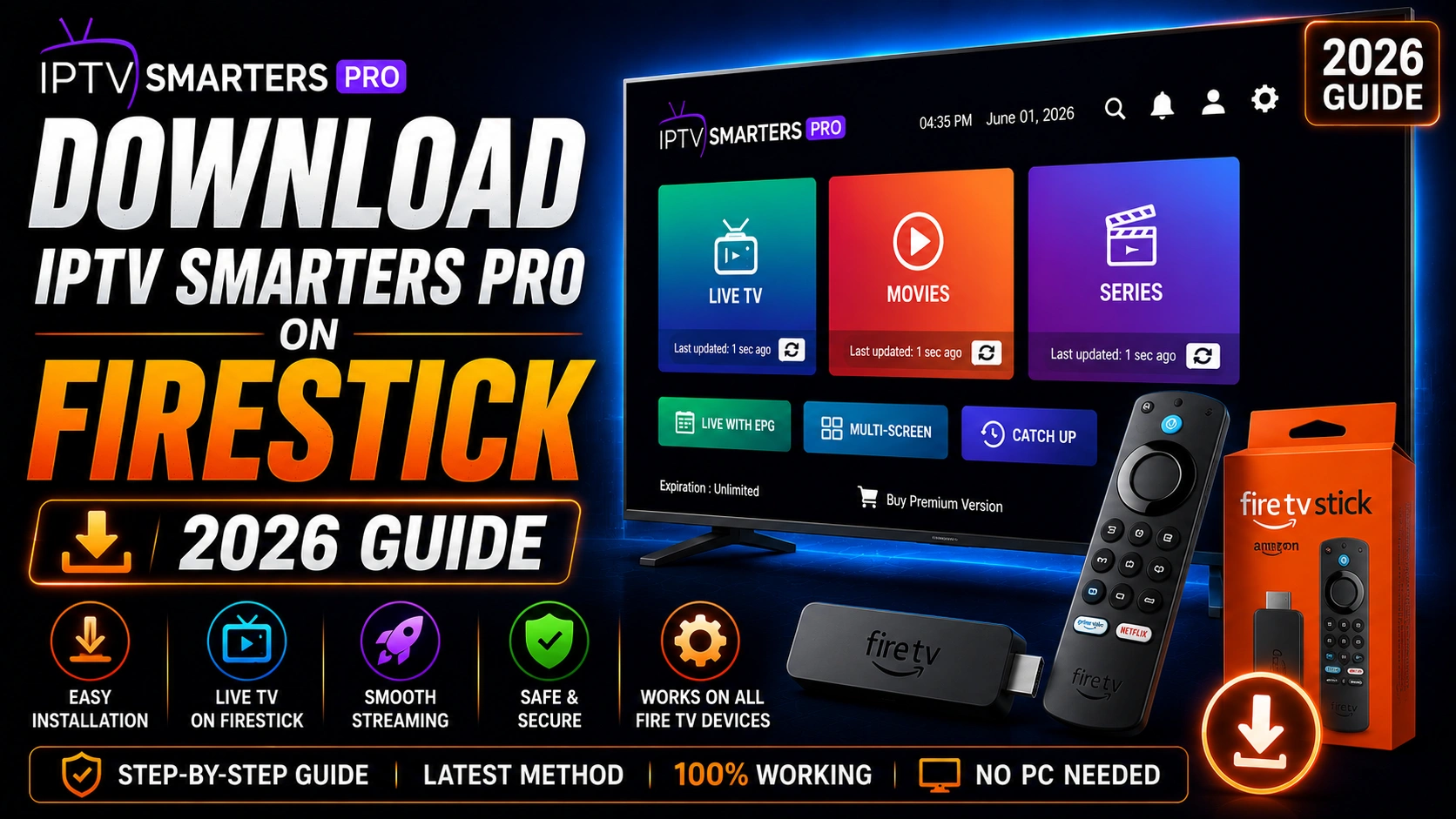
Installing IPTV Smarters Pro on Firestick requires sideloading since it is not available directly in the Amazon App Store. This guide walks you through every step of the process with clear instructions.
Key Takeaways
- Enable Apps from Unknown Sources in Developer Options first
- Install Downloader from the Amazon App Store
- Enter the official APK URL in Downloader to download the file
- Install the APK and delete the installer file to save space
- IPTV Smarters Pro works with both M3U and Xtream Codes on Firestick
In This Article
To install IPTV Smarters Pro on Firestick, first enable Apps from Unknown Sources in Settings > My Fire TV > Developer Options, then install the Downloader app from the Amazon App Store. Open Downloader, enter the official APK URL, download the file, and select Install. The entire process takes about 5 minutes.
What You Need
- Amazon Firestick (any generation) or Fire TV Cube
- Internet connection on your Firestick
- The Downloader app (free, from Amazon App Store)
- A few minutes of setup time
Step 1: Enable Apps from Unknown Sources
From your Firestick home screen, go to Settings > My Fire TV > Developer Options > Apps from Unknown Sources and turn it ON. If you do not see Developer Options, go to About and click the device name 7 times to unlock it.
Step 2: Install Downloader App
Go to the Find > Search on your Firestick home screen. Type "Downloader" and select the app by AFTVnews. Click Download/Install to install the Downloader app on your Firestick.
Step 3: Configure Downloader Permissions
Open Downloader and accept the terms. It will prompt you to enable accessibility permissions — this allows Downloader to install APK files automatically. Go to Settings > Accessibility and enable Downloader.
Step 4: Download the APK
In Downloader, enter the official download URL from our download page and tap Go. The APK file will download to your Firestick.
Always Use the Official Source
Step 5: Install the App
Once the download completes, Downloader will prompt you to install the APK. Select Install and wait for the installation to finish. After installation, select Done (not Open) to return to Downloader, then delete the APK file to free up space.
Free Up Storage Space
Step 6: Launch and Login
Go to your Apps & Channels section on the Firestick home screen. Select IPTV Smarters Pro from your app list. Enter your M3U URL or Xtream Codes credentials to start streaming. See our Firestick guide for detailed setup instructions.
What Troubleshooting Tips Should You Know?
- If Downloader fails to install, check that you enabled Apps from Unknown Sources
- If the APK does not appear in your app list, restart your Firestick
- If you encounter errors, clear cache on Downloader and try again
- Always download the APK from the official source to avoid malware
Frequently Asked Questions
Do I need to enable unknown sources on Firestick?
Yes, you must enable "Apps from Unknown Sources" in Settings > My Fire TV > Developer Options before you can sideload any app on Firestick. This is a one-time setting that applies to all sideloaded apps.
Is IPTV Smarters Pro safe on Firestick?
Yes, the official IPTV Smarters Pro APK is safe to install on Firestick. Always download the APK from the official website to ensure you are getting the legitimate version without malware or unwanted modifications.
Can I install it without the Downloader app?
Yes, you can use alternative methods such as ADB (Android Debug Bridge) from a computer or apps like Apps2Fire. However, the Downloader app method is the easiest and most popular approach for most users.
Does it work on Firestick Lite?
Yes, IPTV Smarters Pro works on Firestick Lite. The installation process is identical to the standard Firestick. Note that Firestick Lite has less RAM and storage, so you may experience slightly slower performance.
Ready to Start Streaming?
Download IPTV Smarters Pro for free and enjoy live TV, movies, and series on all your devices.
Download IPTV Smarters ProConclusion
Installing IPTV Smarters Pro on Firestick is straightforward using the Downloader method. Once installed, you have access to thousands of channels with full EPG support. For detailed setup after installation, check our Firestick guide. For additional help, visit our troubleshooting hub. Ready to try it? Download IPTV Smarters Pro for free.
IPTV Smarters Pro Team
IPTV streaming experts with 5+ years of hands-on experience testing IPTV players, apps, and services across Android, iOS, Firestick, and Smart TV platforms.
The IPTV Smarters Pro Team has been covering IPTV technology since 2021. We test every app, feature, and device ourselves to provide accurate, practical guides. Our reviews and tutorials have helped over 100,000 readers set up IPTV on their devices.