
How to Use IPTV Smarters Pro on Apple TV (2026 Complete Guide)
IPTV streaming experts with 5+ years of hands-on experience testing IPTV players, apps, and services across Android, iOS, Firestick, and Smart TV platforms.
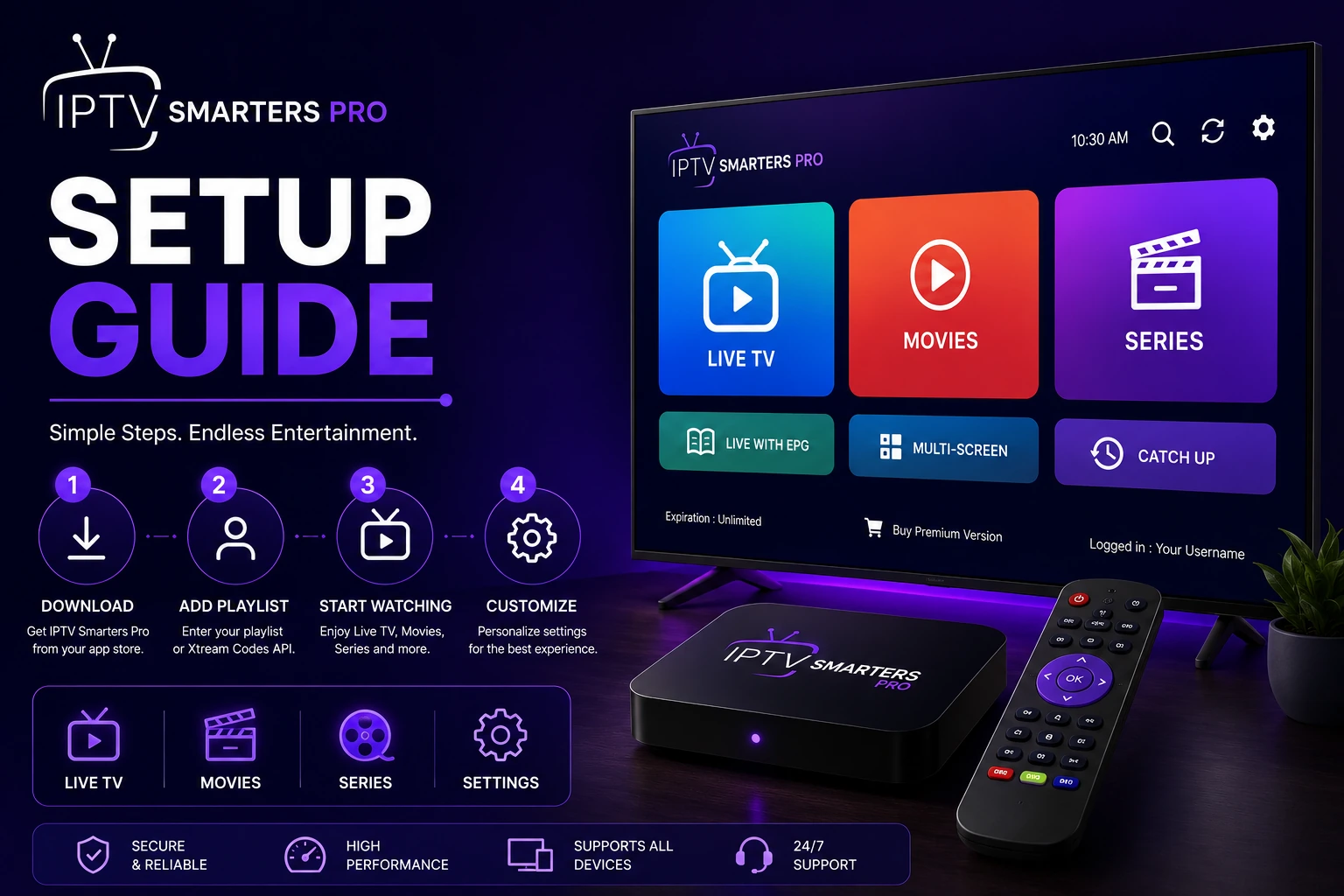
Since IPTV Smarters Pro is not available directly in the Apple TV App Store, use AirPlay to stream from your iPhone or iPad. Alternatively, use third-party IPTV players available on tvOS that support M3U playlists and Xtream Codes.
Key Takeaways
- IPTV Smarters Pro is not available in the Apple TV App Store due to Apple's app restrictions
- Use AirPlay to stream content from your iPhone or iPad to Apple TV
- Third-party IPTV players like GSE Smart IPTV and IPTVX are available on tvOS
- AirPlay requires both devices to be on the same Wi-Fi network
- For the best experience, use a third-party player with native tvOS support
In This Article
What You Need
Before you begin, make sure you have the following.
- Apple TV HD, Apple TV 4K, or Apple TV 4K (2nd or 3rd generation)
- iPhone or iPad with IPTV Smarters Pro installed for AirPlay streaming
- Both devices connected to the same Wi-Fi network
- Your IPTV subscription credentials (M3U URL or Xtream Codes)
- About 5 minutes of setup time
Stream via AirPlay from iOS
Since IPTV Smarters Pro is not available on the Apple TV App Store, the simplest way to watch on your TV is through AirPlay. First, install IPTV Smarters Pro on your iPhone or iPad from the iOS App Store. Follow our iOS setup guide for installation help.
Open IPTV Smarters Pro on your iOS device and log in with your IPTV credentials. Start playing a channel, movie, or series. Tap the AirPlay icon (a rectangle with an arrow pointing up) in the video player controls. Select your Apple TV from the list of available devices.
The content will begin streaming on your Apple TV. You can continue using your iPhone or iPad for other tasks while the video plays on the TV screen.
Enable AirPlay on Apple TV
Third-Party IPTV Players for Apple TV
For a native Apple TV experience without AirPlay, consider these third-party IPTV players available in the Apple TV App Store. These apps support M3U playlists and Xtream Codes directly on tvOS.
- GSE Smart IPTV — Popular IPTV player with full M3U and Xtream Codes support, EPG integration, and subtitle support
- IPTVX — Designed specifically for tvOS with a clean interface, playlist management, and iCloud sync
- Smarters Player Lite — A lightweight IPTV player available on the App Store with basic playlist support
Setting Up a Third-Party Player
Download your chosen IPTV player from the Apple TV App Store. Open the app and look for the Login or Settings section. Most players support both M3U playlist URLs and Xtream Codes API authentication.
Enter your IPTV subscription credentials provided by your service provider. The app will load your channel list and content library. Configure the EPG settings in the app if available to see TV schedules.
App Store Availability May Vary by Region
Limitations of Apple TV for IPTV
- Apple restricts sideloading — you cannot install APK files like on Android TV
- No native IPTV Smarters Pro app available for tvOS at this time
- Third-party players may lack features found in IPTV Smarters Pro like multi-screen and parental controls
- AirPlay streaming depends on your iOS device battery and Wi-Fi connection stability
- Some IPTV features like recording and timeshift may not work through AirPlay
Tips for the Best Apple TV Experience
- Use a wired Ethernet connection for your Apple TV for the most stable streaming
- Keep your iPhone or iPad close to the Apple TV for better AirPlay performance
- Close background apps on your iOS device to free up resources
- Update your Apple TV to the latest tvOS version for best compatibility
- Consider using an Android TV or Firestick as an alternative for native IPTV Smarters Pro support
Troubleshooting AirPlay and Streaming
- AirPlay icon not visible: Ensure both devices are on the same Wi-Fi network
- Video keeps buffering: Move your router closer or use a wired connection for Apple TV
- No audio through Apple TV: Check your Apple TV audio output settings and HDMI connection
- AirPlay disconnects frequently: Restart both your iOS device and Apple TV
- Third-party player fails to load channels: Verify your M3U URL or Xtream Codes credentials
For more help, visit our troubleshooting hub with solutions for common IPTV Smarters Pro issues.
Ready to Install?
Download IPTV Smarters Pro for free and follow the steps above to get started on your device.
Download IPTV Smarters ProConclusion
While IPTV Smarters Pro does not have a native Apple TV app, you can still enjoy your IPTV subscription on the big screen using AirPlay from your iOS device or third-party IPTV players available on tvOS. For a more seamless experience, consider using a device with native IPTV Smarters Pro support like Firestick or Android TV.
IPTV Smarters Pro Team
IPTV streaming experts with 5+ years of hands-on experience testing IPTV players, apps, and services across Android, iOS, Firestick, and Smart TV platforms.
The IPTV Smarters Pro Team has been covering IPTV technology since 2021. We test every app, feature, and device ourselves to provide accurate, practical guides. Our reviews and tutorials have helped over 100,000 readers set up IPTV on their devices.