
How to Install IPTV Smarters Pro on iPhone & iPad (2026 iOS Guide)
IPTV streaming experts with 5+ years of hands-on experience testing IPTV players, apps, and services across Android, iOS, Firestick, and Smart TV platforms.
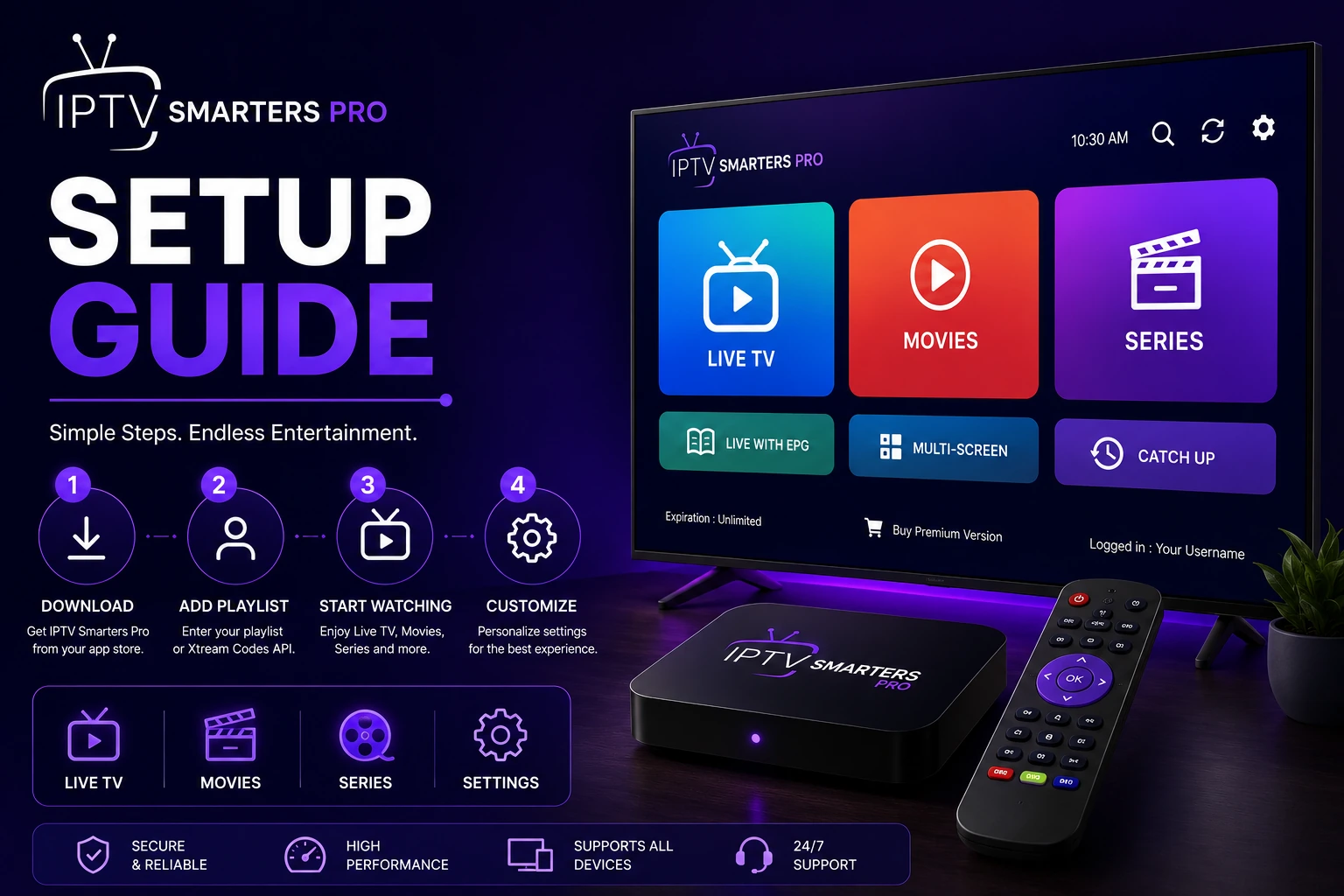
To install IPTV Smarters Pro on iPhone or iPad, open the App Store, search for the app, and tap Get. Authenticate with Face ID or your Apple ID password. Once installed, open the app and enter your M3U URL or Xtream Codes credentials to start streaming.
Key Takeaways
- IPTV Smarters Pro is available for free on the iOS App Store for iPhone and iPad
- Installation takes under 2 minutes with Face ID or Touch ID authentication
- The app supports both M3U playlists and Xtream Codes API on iOS
- Be aware of cellular data usage when streaming over mobile networks
- Use Wi-Fi for the best streaming quality and to avoid data charges
In This Article
What You Need
Before starting the installation, make sure you have the following ready.
- iPhone (iOS 13 or later) or iPad (iPadOS 13 or later)
- Apple ID signed in to the App Store
- Internet connection (Wi-Fi recommended for installation and streaming)
- Your IPTV subscription credentials (M3U URL or Xtream Codes)
- About 3 minutes of setup time
Install from the App Store
Open the App Store on your iPhone or iPad. Tap the Search tab at the bottom and type "IPTV Smarters Pro" or "IPTV player." Look for the official IPTV Smarters Pro app in the search results and tap Get next to the app listing.
Authenticate the download using Face ID, Touch ID, or your Apple ID password. The app will begin downloading and installing automatically. The download size is approximately 50-80 MB depending on your device model.
Once the installation completes, tap Open directly from the App Store, or find the IPTV Smarters Pro icon on your home screen and tap it to launch the application for the first time.
Enable Automatic App Updates
Login and Configure Your Account
When you open IPTV Smarters Pro for the first time, you will see the login screen with two options. Choose M3U Playlist if you have a playlist URL from your IPTV provider. Choose Xtream Codes if your provider gave you a server URL, username, and password.
After entering your credentials, the app will connect to your IPTV service and load your channel list, movies, and series. Go to Settings to configure the EPG (Electronic Program Guide) for TV schedule information. See our M3U guide or Xtream Codes guide for detailed login help.
Using Face ID and Touch ID
IPTV Smarters Pro supports biometric authentication on iOS devices. You can enable Face ID or Touch ID login in the app settings to skip entering your IPTV credentials every time you open the app.
To enable this feature, go to Settings > Security inside the app and toggle on Biometric Login. You will be prompted to authenticate with Face ID or Touch ID to confirm the change. This feature is especially useful for devices shared among family members.
Monitor Your Cellular Data Usage
Cellular Data Streaming Tips
If you plan to stream IPTV on your iPhone or iPad over cellular data, follow these tips to manage your data usage effectively.
- Reduce video quality in app settings to 480p or 720p to save data
- Download movies and shows over Wi-Fi for offline viewing later
- Monitor data usage in Settings > Cellular to avoid exceeding your plan limit
- Use an unlimited data plan if you stream IPTV regularly on mobile networks
- Enable Low Data Mode on your iPhone for apps that support it
iOS Features and Limitations
- Full support for M3U playlists and Xtream Codes API login methods
- EPG integration for real-time TV schedule information
- Picture-in-Picture mode on supported iPhone and iPad models
- AirPlay support for streaming to Apple TV and AirPlay-compatible devices
- Background playback limited by iOS restrictions — app must remain active
- Download for offline viewing available for supported content
Troubleshooting iOS Installation
- App not found in App Store: Check if the app is available in your country's App Store region
- Download stuck or slow: Check your internet connection or restart the App Store app
- App crashes on launch: Update to the latest iOS version and reinstall the app
- Login fails repeatedly: Verify your M3U URL or Xtream Codes with your IPTV provider
- No sound during playback: Check your device mute switch and volume settings
For more help, visit our troubleshooting hub with solutions for common IPTV Smarters Pro issues.
Ready to Install?
Download IPTV Smarters Pro for free and follow the steps above to get started on your device.
Download IPTV Smarters ProConclusion
Installing IPTV Smarters Pro on your iPhone or iPad is the easiest installation process among all platforms, thanks to direct availability in the iOS App Store. The app works great on both iPhone and iPad with full IPTV functionality. For Apple TV users, check our Apple TV guide for AirPlay streaming instructions.
IPTV Smarters Pro Team
IPTV streaming experts with 5+ years of hands-on experience testing IPTV players, apps, and services across Android, iOS, Firestick, and Smart TV platforms.
The IPTV Smarters Pro Team has been covering IPTV technology since 2021. We test every app, feature, and device ourselves to provide accurate, practical guides. Our reviews and tutorials have helped over 100,000 readers set up IPTV on their devices.