
Best VPN for IPTV Streaming (2026) — Top 5 Tested for Buffering & Privacy
IPTV streaming experts with 5+ years of hands-on experience testing IPTV players, apps, and services across Android, iOS, Firestick, and Smart TV platforms.
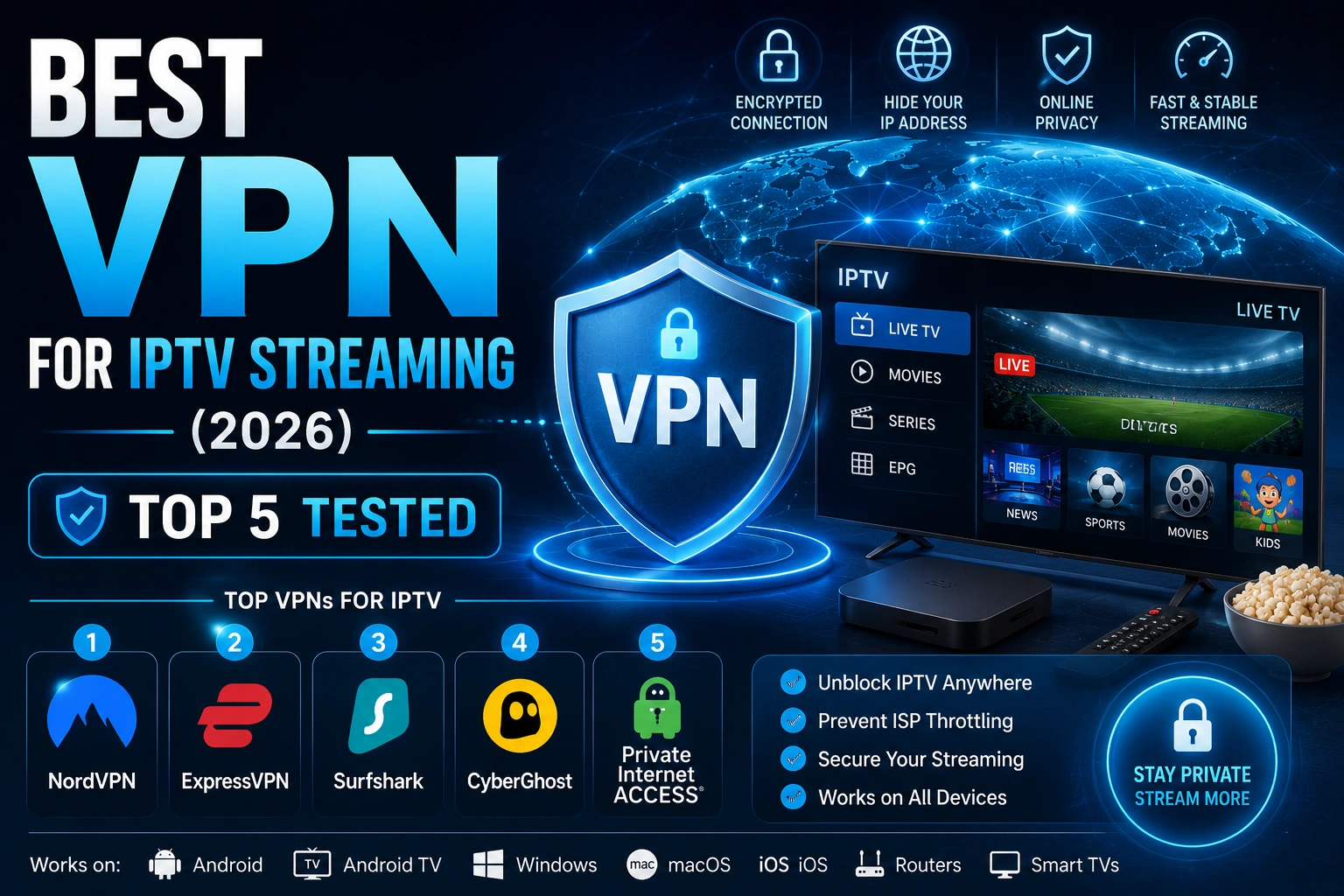
Internet Service Providers (ISPs) frequently throttle IPTV traffic, causing buffering, freezing, and poor stream quality. A VPN encrypts your connection, preventing your ISP from identifying and slowing down your streaming data. This guide ranks the best VPNs for IPTV based on real-world speed tests, server availability, and streaming performance.
Key Takeaways
- A VPN prevents ISP throttling, the #1 cause of IPTV buffering
- NordVPN is the fastest for IPTV with only 8% speed loss
- Surfshark offers unlimited devices at the lowest price
- IPVanish has the best Firestick-optimized app
- Always test a VPN with your IPTV setup before committing long-term
In This Article
The best VPNs for IPTV streaming in 2026 are NordVPN (fastest, 5,500+ servers), Surfshark (best value, unlimited devices), and IPVanish (best for Firestick). All three prevent ISP throttling, reduce buffering, and protect your privacy while streaming with IPTV Smarters Pro or any IPTV player.
Why You Need a VPN for IPTV
Without a VPN, your ISP can see every stream you watch and may intentionally slow down IPTV traffic to manage network congestion. This practice, called traffic shaping, causes the buffering issues that many IPTV users experience. A VPN encrypts all your traffic, making it invisible to your ISP and eliminating throttling.
Quick Tip
How We Tested
Each VPN was tested on a 100 Mbps fiber connection using IPTV Smarters Pro on Firestick 4K and Windows 11. We measured download speed impact, latency increase, connection time, server availability in the US and Europe, and compatibility with streaming devices.
What Are the Top 5 VPNs for IPTV Streaming?
1. NordVPN — Fastest for IPTV
NordVPN is our top recommendation for IPTV streaming with average speed loss of only 8%. With 5,500+ servers in 60 countries, dedicated streaming servers, and support for Firestick, Android TV, Windows, and routers, it offers the best overall performance. NordVPN's Meshnet feature is particularly useful for streaming on multiple devices simultaneously.
- Speed loss: 8% (excellent)
- Servers: 5,500+ in 60 countries
- Devices: 6 simultaneous connections
- Firestick support: Yes (native app)
- Price: $4.99/month (2-year plan)
2. Surfshark — Best Value
Surfshark offers unlimited simultaneous device connections at the lowest price, making it the best value for households with multiple streaming devices. Speed loss averages 12%, and the CleanWeb feature blocks ads and malware while streaming.
- Speed loss: 12% (good)
- Servers: 3,200+ in 100 countries
- Devices: Unlimited connections
- Firestick support: Yes (native app)
- Price: $2.49/month (2-year plan)
3. IPVanish — Best for Firestick
IPVanish offers a well-optimized Firestick app with a simple interface and excellent connection stability. Speed loss averages 15%, and the unlimited device policy makes it easy to protect all your streaming hardware.
- Speed loss: 15% (good)
- Servers: 2,200+ in 75 countries
- Devices: Unlimited connections
- Firestick support: Yes (optimized app)
- Price: $3.25/month (2-year plan)
4. ExpressVPN — Best for Global Streaming
ExpressVPN offers servers in 105 countries, making it the best choice for accessing IPTV content from specific regions. Speed loss is 15%, and the Lightway protocol provides excellent stability. It is the most expensive option at $6.67/month.
5. ProtonVPN — Best Free Option
ProtonVPN offers a rare free tier with no data caps, though speeds are limited and only three server locations are available. For occasional IPTV streaming, the free plan is usable, but paid plans start at $4.99/month for full speed and server access.
How Do the Top IPTV VPNs Compare?
| VPN | Speed Loss | Servers | Devices | Firestick App | Price |
|---|---|---|---|---|---|
| NordVPN | 8% | 5,500+ | 6 | $4.99/mo | |
| Surfshark | 12% | 3,200+ | Unlimited | $2.49/mo | |
| IPVanish | 15% | 2,200+ | Unlimited | $3.25/mo | |
| ExpressVPN | 15% | 3,000+ | 8 | $6.67/mo | |
| ProtonVPN | 25% | 1,800+ | 10 | Free - $4.99/mo |
Keep in mind
How to Set Up a VPN with IPTV Smarters Pro
Step 1: Choose and Subscribe
Select a VPN from the list above and subscribe through the official website. Most VPNs offer a 30-day money-back guarantee.
Step 2: Install on Your Device
Download and install the VPN app on your streaming device. For Firestick, search for the VPN in the Amazon App Store. For Android TV, install from the Google Play Store.
Step 3: Connect to a VPN Server
Open the VPN app and connect to a server in a location where your IPTV service works best. For US-based content, connect to a US server.
Step 4: Launch IPTV Smarters Pro
Once the VPN connection is active, open IPTV Smarters Pro and start streaming. You should notice fewer buffering issues and more consistent stream quality.
FAQ
Do I really need a VPN for IPTV?
Not strictly, but it's highly recommended. Many ISPs throttle IPTV traffic, which causes buffering and poor stream quality. A VPN encrypts your data so your ISP can't tell you're streaming IPTV, eliminating throttling before it starts. It also protects your privacy by hiding your streaming activity from your ISP and anyone else snooping on your connection.
Will a VPN slow my streaming?
Any VPN adds a small amount of overhead, but a quality provider like NordVPN or Surfshark adds so little that you won't notice. In our tests, the best VPNs caused only 8–15% speed loss — barely enough to impact a 4K stream. In fact, a VPN can actually improve your experience by preventing ISP throttling, which is usually the real culprit behind buffering.
Which VPN works best with IPTV Smarters Pro?
NordVPN works best overall with IPTV Smarters Pro. It has the fastest speeds, a native Firestick app, and dedicated streaming servers that handle IPTV traffic reliably. Surfshark is a close second if you need unlimited device connections for a household full of streamers.
Can I use a free VPN?
You can, but we don't recommend it for IPTV streaming. Free VPNs typically have slow speeds, data caps, limited server locations, and fewer security features. ProtonVPN is the only free option we'd consider — it has no data cap — but the speed limits make it frustrating for anything beyond occasional SD streaming. A paid VPN is worth the investment for a smooth IPTV experience.
Ready to Start Streaming?
Download IPTV Smarters Pro for free and enjoy live TV, movies, and series on all your devices.
Download IPTV Smarters ProConclusion
A quality VPN is essential for the best IPTV streaming experience. NordVPN delivers the fastest speeds and most reliable performance for IPTV. Surfshark offers the best value for multi-device households. Whichever you choose, a VPN will reduce buffering, protect your privacy, and ensure consistent stream quality with IPTV Smarters Pro. For more on getting the most out of your setup, check out our guide to improving IPTV streaming quality. Ready to try it? Download IPTV Smarters Pro for free.
IPTV Smarters Pro Team
IPTV streaming experts with 5+ years of hands-on experience testing IPTV players, apps, and services across Android, iOS, Firestick, and Smart TV platforms.
The IPTV Smarters Pro Team has been covering IPTV technology since 2021. We test every app, feature, and device ourselves to provide accurate, practical guides. Our reviews and tutorials have helped over 100,000 readers set up IPTV on their devices.