
How to Improve IPTV Streaming Quality (10 Proven Tips for 2026)
IPTV streaming experts with 5+ years of hands-on experience testing IPTV players, apps, and services across Android, iOS, Firestick, and Smart TV platforms.
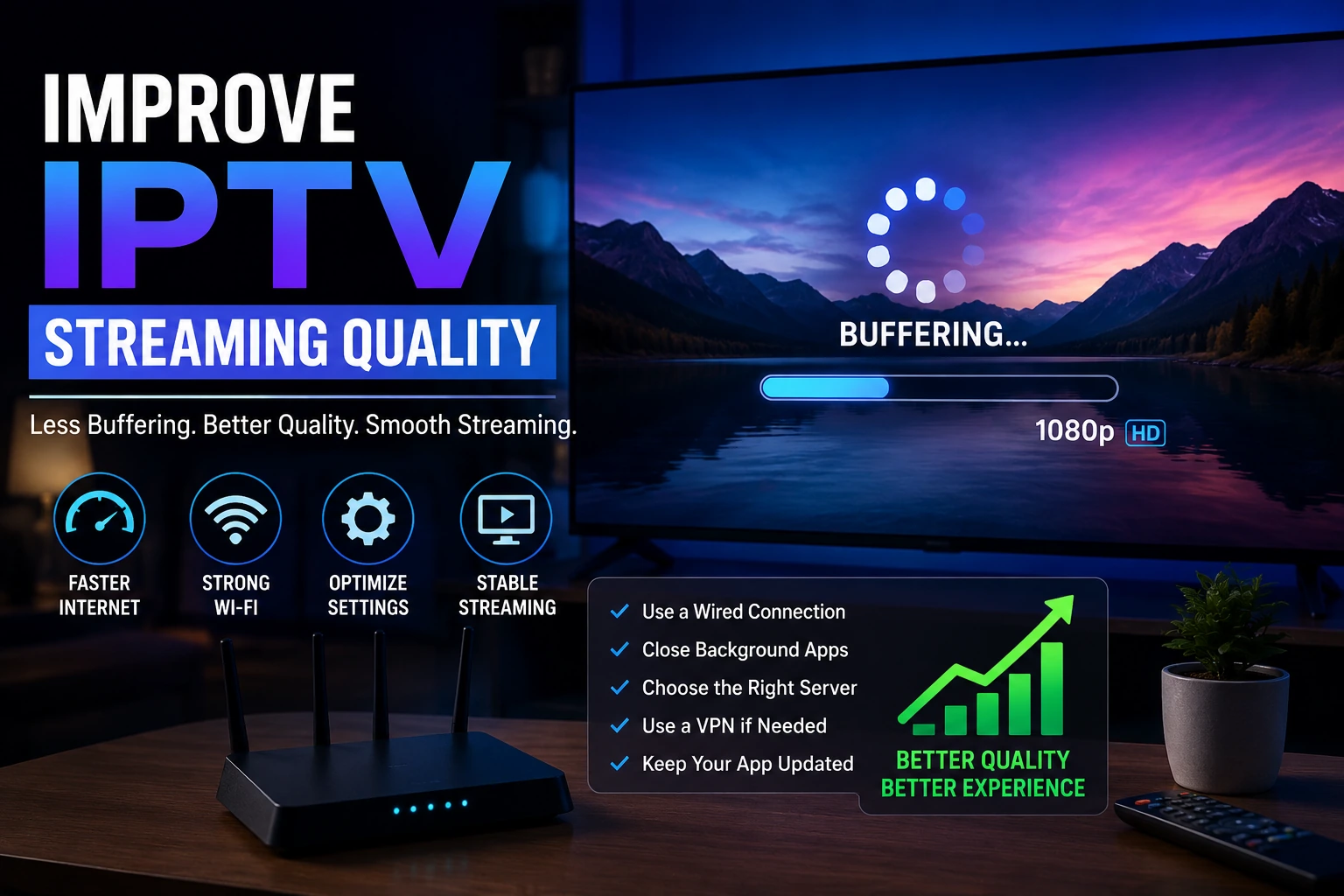
Getting pixelated video or constant buffering? You are not alone — and the fix is usually simpler than you think. A few smart tweaks to your network and device setup can transform your viewing experience. Here is exactly how to do it.
Key Takeaways
- Wired Ethernet improves streaming stability by 40-60% over Wi-Fi
- Use a VPN to prevent ISP throttling of IPTV traffic
- Cloudflare DNS (1.1.1.1) provides faster DNS resolution
- Clear app cache weekly and restart your router regularly
- Lower stream quality temporarily if bandwidth is limited
In This Article
Improve IPTV Smarters Pro IPTV streaming quality by using a wired Ethernet connection, upgrading to 25+ Mbps internet, enabling a VPN to prevent ISP throttling, reducing stream quality to 1080p, changing DNS to Cloudflare (1.1.1.1), and clearing the app cache weekly. These steps eliminate most buffering and picture quality issues.
1. Use a Wired Ethernet Connection
Wi-Fi is convenient, but it also brings lag, interference, and signal drops that hurt picture quality. The simple fix? Run a Cat6 Ethernet cable from your router straight to your streaming device. It is the single most impactful change you can make — expect 40-60% better stream stability the moment you switch.
2. Upgrade Your Internet Speed
IPTV needs consistent bandwidth. For HD, you want at least 10 Mbps. For 4K, bump that to 25 Mbps minimum. Run a speed test during peak evening hours to see what you are actually getting. If it falls short, call your ISP and ask about a faster plan.
3. Enable a VPN
A lot of ISPs throttle IPTV traffic, especially during busy hours. A VPN encrypts everything, so your ISP cannot tell you are streaming and cannot slow you down. NordVPN and Surfshark are solid picks with minimal speed loss.
4. Change DNS Settings
Your ISP's default DNS servers are often slow or overloaded. Switching to Cloudflare DNS (1.1.1.1, 1.0.0.1) or Google DNS (8.8.8.8, 8.8.4.4) can speed up channel loading times noticeably. You can change this in your router settings or directly on your streaming device.
5. Reduce Streaming Quality
If buffering keeps interrupting your shows, try dropping the stream quality from 4K to 1080p or 720p in IPTV Smarters Pro settings. It cuts bandwidth usage dramatically and gives you a smooth, uninterrupted experience. You can always switch back when your network is behaving better.
6. Clear App Cache Regularly
IPTV Smarters Pro builds up cached data over time, and that can drag down performance. Make it a habit to clear the cache once a week: go to device Settings > Apps > IPTV Smarters Pro> Storage > Clear Cache. It clears out the junk and keeps the app running snappy.
7. Optimize Your Router
Where you put your router and how you configure it matters. Keep it in a central spot, away from walls and other electronics. Turn on QoS (Quality of Service) to prioritize streaming traffic. And give it a restart once a week to clear its internal cache.
8. Close Background Applications
Every device and app on your network is competing for the same bandwidth. Pause large downloads, software updates, and video calls while streaming IPTV. Also check your network for unknown devices that might be quietly eating up your speed.
9. Update IPTV Smarters Pro and Device Firmware
Old software means bugs, slowdowns, and compatibility headaches. Make sure IPTV Smarters Pro is on the latest version from the download page. And keep your device's operating system updated too — those updates often include performance fixes.
10. Choose a Quality IPTV Provider
Not all IPTV providers are built the same. A good one has solid server infrastructure, plenty of bandwidth, and multiple server locations. A provider running on a shoestring budget will give you poor quality no matter what you do on your end. If streams consistently look bad, try a different provider.
Pro Tip: Ethernet First
Why DNS Matters
Frequently Asked Questions
What internet speed do I need for 4K IPTV?
For smooth 4K IPTV streaming, you need at least 25 Mbps download speed. For HD (1080p), 10 Mbps is sufficient. These are minimums — if multiple devices share your connection, you will need more. Run a speed test at fast.com during peak hours to check your real-world throughput.
Does a VPN reduce streaming quality?
A quality VPN like NordVPN or Surfshark adds only 5-10% overhead, which is barely noticeable. In fact, a VPN often improves streaming quality by stopping your ISP from throttling IPTV traffic. If you do see a slowdown, try connecting to a nearby server or switch to the WireGuard protocol.
How often should I clear the IPTV app cache?
Once a week is the sweet spot. Cached thumbnails, EPG data, and temp files build up over time and slow down IPTV Smarters Pro. The process is simple: device Settings > Apps > IPTV Smarters Pro> Storage > Clear Cache. Your playlist and login details stay intact.
How do I know if my ISP is throttling IPTV?
The biggest tell is buffering that only happens during streaming or at specific times (like evenings). Run a speed test, then enable a VPN and test again. If your speed jumps significantly with the VPN on, your ISP is throttling you. A VPN encrypts your traffic so your ISP cannot see what you are doing.
Ready to Start Streaming?
Download IPTV Smarters Pro for free and enjoy live TV, movies, and series on all your devices.
Download IPTV Smarters ProConclusion
Fixing IPTV streaming quality does not have to be complicated. Start with three simple actions: connect via Ethernet for a stable connection, enable a VPN to stop ISP throttling, and clear the app cache weekly. If problems persist, work through the remaining tips in this guide. Still having trouble? Visit our troubleshooting hub for device-specific solutions. Ready to try it? Download IPTV Smarters Pro for free.
IPTV Smarters Pro Team
IPTV streaming experts with 5+ years of hands-on experience testing IPTV players, apps, and services across Android, iOS, Firestick, and Smart TV platforms.
The IPTV Smarters Pro Team has been covering IPTV technology since 2021. We test every app, feature, and device ourselves to provide accurate, practical guides. Our reviews and tutorials have helped over 100,000 readers set up IPTV on their devices.