
How to Download Movies on IPTV Smarters Pro (Offline Guide)
IPTV streaming experts with 5+ years of hands-on experience testing IPTV players, apps, and services across Android, iOS, Firestick, and Smart TV platforms.
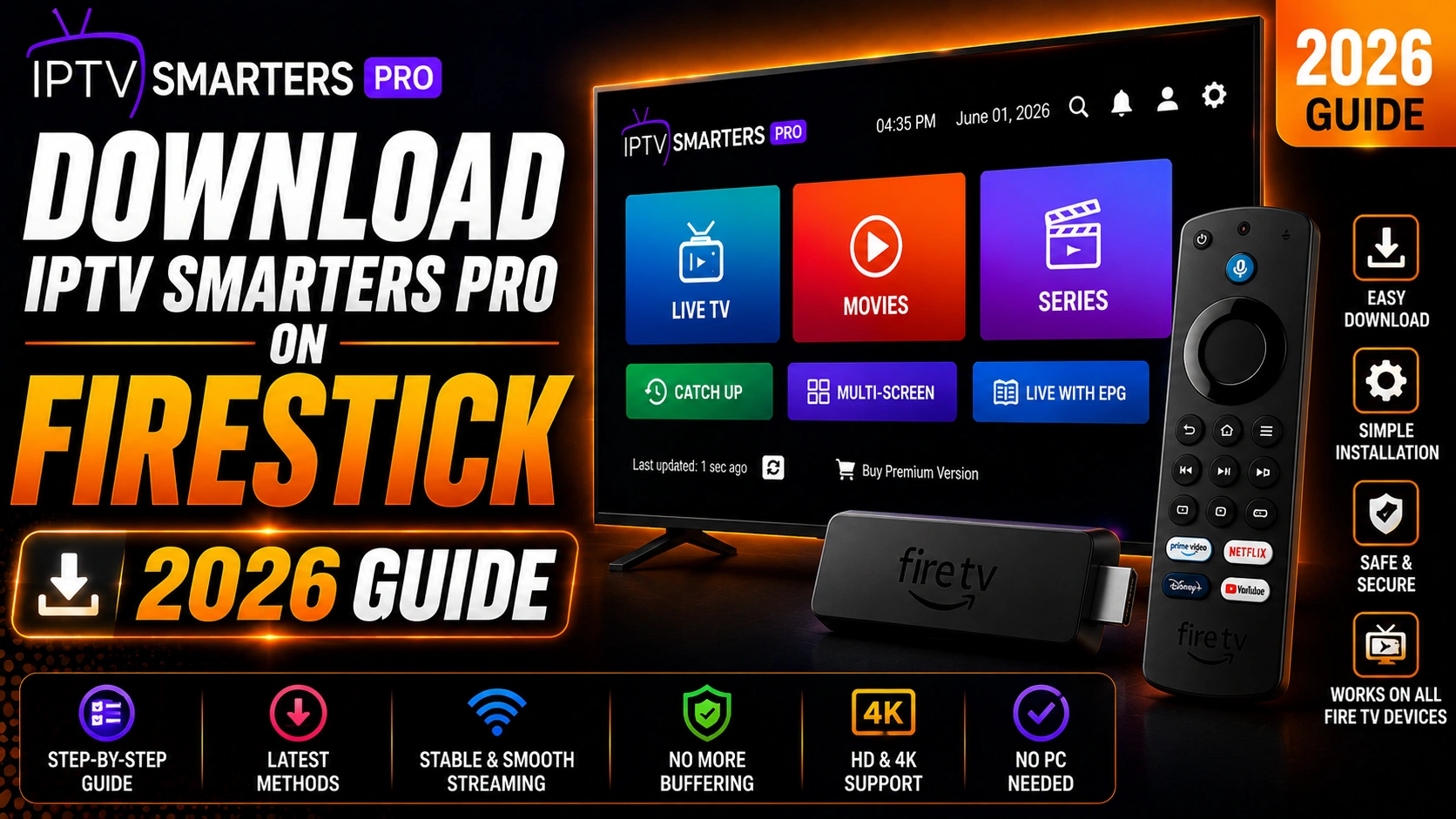
The offline download feature in IPTV Smarters Pro is perfect for travel, commutes, or areas with unreliable internet. You can save your favorite movies and shows directly to your device and watch them anytime without streaming.
Key Takeaways
- Download movies by tapping the Download icon on content details pages
- Choose quality based on available storage — HD is a good balance
- 2-hour HD movie uses approximately 2 GB of storage
- Access downloads from the Downloads section in the app menu
- Offline downloads work on Android and Firestick devices
In This Article
IPTV Smarters Pro lets you download movies and TV shows for offline viewing. Navigate to the Movies or Series section, select the content you want, tap the Download button (down arrow icon), and choose the video quality. Downloaded content is available in the Downloads section of the app and can be watched without an internet connection.
Requirements for Offline Download
- IPTV Smarters Pro version 4.0 or later
- Sufficient storage space on your device
- An IPTV provider that allows downloading (some providers restrict VOD downloads)
- Android device (offline download is primarily supported on Android and Firestick)
Provider Restrictions
How to Download Movies
Step 1: Open VOD Section
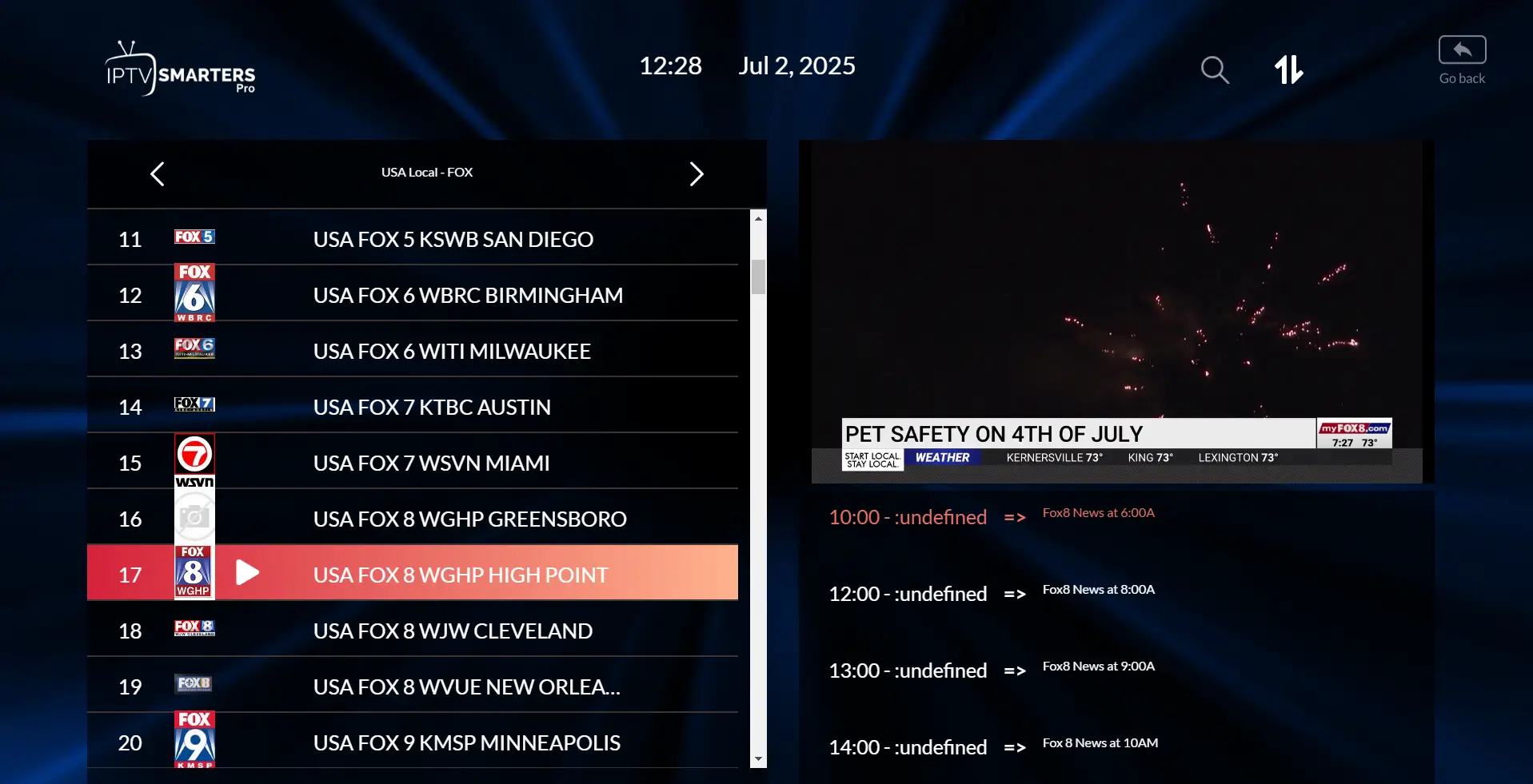
Launch IPTV Smarters Pro and navigate to the Movies or Series section from the main menu.
Step 2: Select Content
Browse the library and select the movie or TV show episode you want to download. Tap on the title to open the details page.
Step 3: Tap Download Button
Look for the Download icon (typically a down arrow) on the content details page. Tap it to start downloading. You may be prompted to select video quality (SD, HD, or 4K).
Step 4: Monitor Download Progress
The download progress appears in the notification bar or Downloads section. You can continue browsing the app while downloads run in the background.
Step 5: Watch Offline
Once downloaded, navigate to the Downloads or Library section in the app. Tap on any downloaded title to play it instantly without an internet connection.
Storage Requirements for Offline Movies
| Quality | Per Movie (2 hours) |
|---|---|
| SD (480p) | ~1 GB |
| HD (720p) | ~2 GB |
| Full HD (1080p) | ~4 GB |
| 4K (2160p) | ~14 GB |
Storage Tip
Managing Downloaded Content
- Go to Downloads in the main menu to see all saved content
- Swipe left or tap the edit icon to delete individual downloads
- Downloads are stored in the app's internal storage folder
- Content remains available for 30 days or until manually deleted
Why Download Movies for Offline Viewing on IPTV Smarters Pro?
Offline downloading is one of IPTV Smarters Pro's most useful features. Save your favorite movies and shows when you have Wi-Fi and watch them later without using mobile data or needing an internet connection. Ensure you have enough storage before downloading large files.
Frequently Asked Questions
Can I download movies on Firestick?
Yes, you can download movies directly on Amazon Firestick. IPTV Smarters Pro for Android is fully compatible with Firestick. Make sure you have enough free storage — a 2-hour HD movie needs about 2 GB. You can check available storage under Settings > Device & Software > About on your Firestick.
Where are downloaded movies stored?
Downloaded movies are stored in IPTV Smarters Pro's internal app storage folder on your device. The exact path varies by device — on Android it is typically Android/data/com.nst.iptvsmarterstv/files/Downloads/. These files are encrypted and can only be accessed through the app.
How much storage do I need?
Storage requirements depend on video quality. A 2-hour movie in SD uses ~1 GB, HD (720p) ~2 GB, Full HD (1080p) ~4 GB, and 4K ~14 GB. We recommend at least 8 GB of free space for a reasonable offline library. Check your device storage before starting a download.
Can I watch downloaded movies offline?
Yes. That is the main purpose of the download feature. Once a movie or show is downloaded to your device, you can watch it without any internet connection. This is ideal for flights, road trips, or any area with poor connectivity. Simply open the Downloads section in the app and tap to play.
Ready to Start Streaming?
Download IPTV Smarters Pro for free and enjoy live TV, movies, and series on all your devices.
Download IPTV Smarters ProConclusion
Downloading movies on IPTV Smarters Pro is simple and gives you the freedom to watch your favorite content anywhere, even without internet access. Just make sure you have enough storage and a provider that supports the feature. For more ways to get the most out of IPTV Smarters Pro, check out our guide on setting up multi-screen viewing or learn how to record live TV channels directly from the app. Ready to try it? Download IPTV Smarters Pro for free.
IPTV Smarters Pro Team
IPTV streaming experts with 5+ years of hands-on experience testing IPTV players, apps, and services across Android, iOS, Firestick, and Smart TV platforms.
The IPTV Smarters Pro Team has been covering IPTV technology since 2021. We test every app, feature, and device ourselves to provide accurate, practical guides. Our reviews and tutorials have helped over 100,000 readers set up IPTV on their devices.