
IPTV Smarters Pro EPG Guide: How to Set Up Electronic Program Guide
IPTV streaming experts with 5+ years of hands-on experience testing IPTV players, apps, and services across Android, iOS, Firestick, and Smart TV platforms.
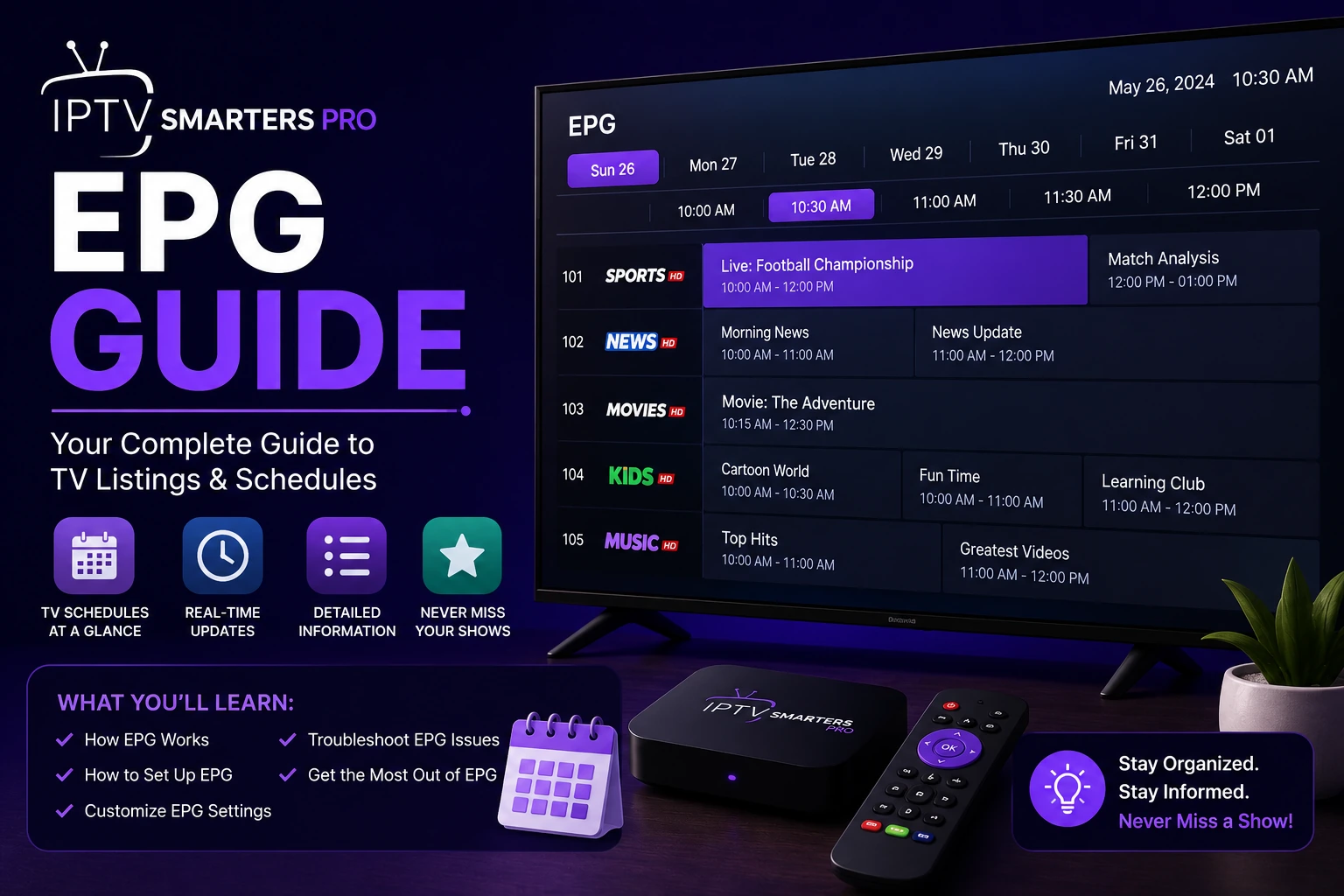
The Electronic Program Guide transforms your IPTV experience by showing what is currently playing and what is coming up next. Instead of channel surfing blindly, the EPG lets you browse program schedules just like a traditional cable TV guide.
Key Takeaways
- EPG shows program schedules for all your IPTV channels
- Xtream Codes login often includes automatic EPG data
- Manual EPG requires a URL from your IPTV provider
- Refresh EPG daily to keep program information current
- Third-party EPG sources can fill gaps if your provider lacks EPG
In This Article
The EPG (Electronic Program Guide) in IPTV Smarters Pro shows program schedules for your channels. Set it up by going to Settings > EPG Settings and entering your provider's EPG URL. If EPG is not loading, ensure your provider supplies EPG data, refresh the guide in settings, or use a third-party EPG source like XMLTV. Xtream Codes users often get EPG data automatically.
What Is EPG and Why Do You Need It?
EPG stands for Electronic Program Guide. It displays program names, start times, durations, and descriptions for each channel. Without EPG, you see only channel numbers and names. With EPG, you can see exactly what is playing, search for programs, set reminders, and plan your viewing.
How to Set Up EPG in IPTV Smarters Pro
Method 1: Automatic EPG via Xtream Codes
If you log in using Xtream Codes, EPG data is often included automatically. The app retrieves program schedules directly from your provider's server. Simply log in with your Xtream Codes credentials, and the EPG should populate within a few minutes.
Method 2: Manual EPG via URL
Open IPTV Smarters Proand go to Settings > EPG Settings > EPG URL. Enter the EPG URL provided by your IPTV provider. Tap Save and then Refresh EPG. The guide will populate with program data for the next 7-14 days.
Method 3: Using XMLTV Files
Some providers supply XMLTV files instead of EPG URLs. Download the XMLTV file to your device, then in IPTV Smarters Progo to Settings > EPG Settings > Load from File and select the downloaded XMLTV file.
Pro Tip
EPG Not Loading? Here Is the Fix
- Refresh the guide — Go to Settings > EPG Settings > Refresh EPG
- Check the EPG URL — Ensure the URL is correct and still active
- Provider does not offer EPG — Some providers do not supply EPG data. Contact them to confirm
- Use a third-party EPG — Free EPG sources like XMLTV or EPG Ninja can fill gaps
- Time zone mismatch — Check that your device time zone matches your location
EPG Best Practices
- Refresh your EPG daily to keep program data current
- Use Xtream Codes login when possible for automatic EPG
- Keep your device date and time set to automatic
- Some EPG sources use XML format, others use JSON — confirm with your provider
Heads Up
Frequently Asked Questions
Why is my EPG not loading?
This usually comes down to one of a few things. Your provider might not offer EPG data at all, the EPG URL you entered could be incorrect or expired, or the guide simply needs a manual refresh. Head to Settings > EPG Settings > Refresh EPG and give it a minute. If nothing changes, double-check the URL with your provider or try a third-party EPG source.
How do I add a custom EPG URL?
Open IPTV Smarters Pro and navigate to Settings > EPG Settings > EPG URL. Paste the URL your provider gave you — it usually ends in .xml or .json. Tap Save, then go back and tap Refresh EPG. Within a few seconds, the program data should start filling in.
Can I use EPG with M3U playlists?
Absolutely. EPG works independently of your playlist format. Whether you load channels via M3U URL or Xtream Codes, you can still attach an EPG source. Just enter the EPG URL in the EPG Settings menu and refresh — the app will match program data to your channels automatically using channel IDs.
How often does EPG update?
Most providers push EPG updates every 6 to 24 hours. IPTV Smarters Prodoes not auto-refresh in the background, so you will want to manually refresh the guide once a day to keep listings current. Go to Settings > EPG Settings > Refresh EPG and you will get the latest schedule data.
Ready to Start Streaming?
Download IPTV Smarters Pro for free and enjoy live TV, movies, and series on all your devices.
Download IPTV Smarters ProConclusion
A properly configured EPG makes IPTV Smarters Pro much more useful for everyday TV watching. Set it up once and enjoy program schedules, reminders, and easy browsing. For detailed instructions, see our EPG setup guide. Ready to try it? Download IPTV Smarters Pro for free.
IPTV Smarters Pro Team
IPTV streaming experts with 5+ years of hands-on experience testing IPTV players, apps, and services across Android, iOS, Firestick, and Smart TV platforms.
The IPTV Smarters Pro Team has been covering IPTV technology since 2021. We test every app, feature, and device ourselves to provide accurate, practical guides. Our reviews and tutorials have helped over 100,000 readers set up IPTV on their devices.