
IPTV Smarters Pro Setup Guide for Beginners (2026)
IPTV streaming experts with 5+ years of hands-on experience testing IPTV players, apps, and services across Android, iOS, Firestick, and Smart TV platforms.
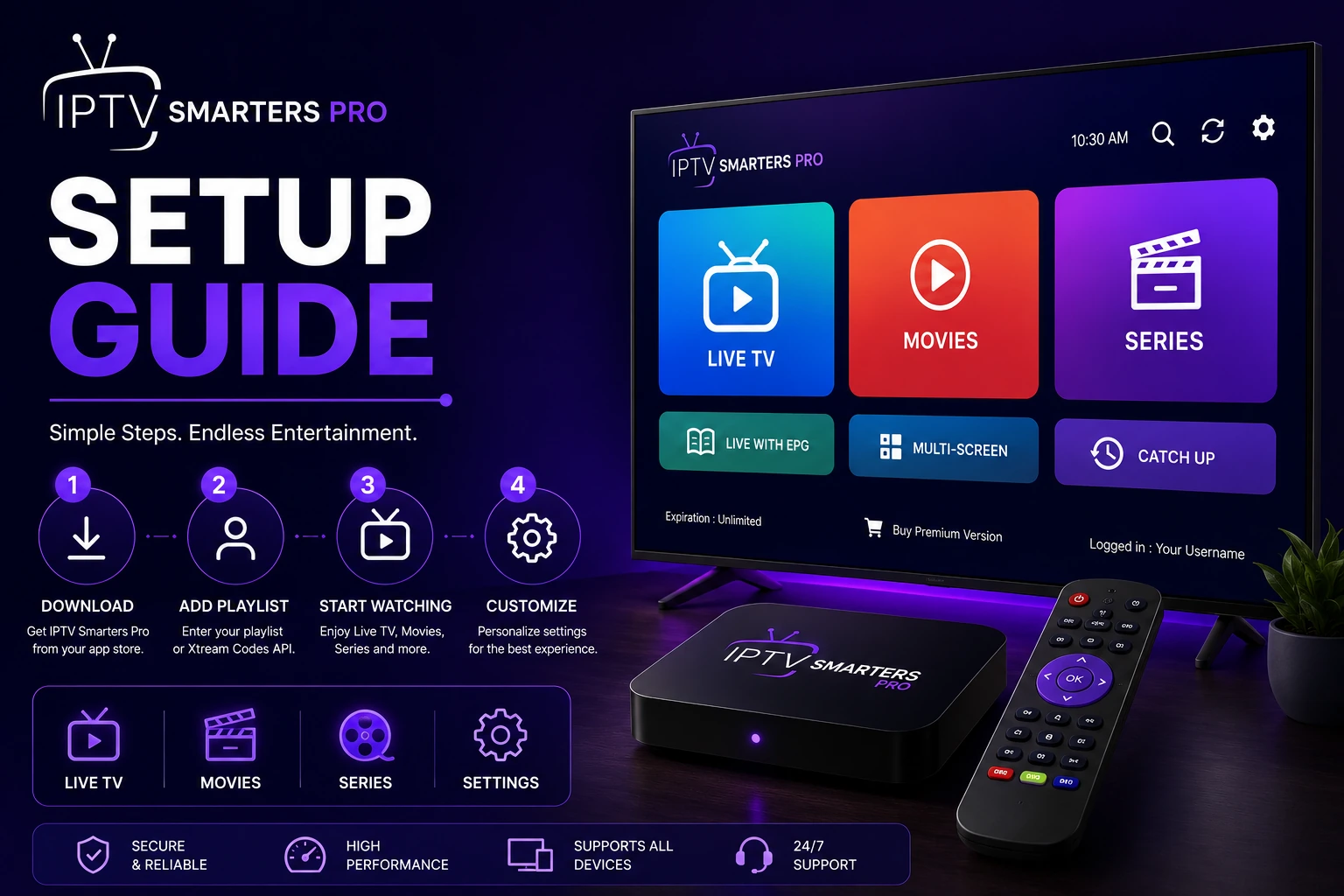
Getting IPTV Smarters Pro up and running is easier than you think. Whether you are on an Android phone, Firestick, Smart TV, or PC, the core setup steps are the same. This guide walks you through everything so you can start watching live TV, movies, and series in a few minutes.
Key Takeaways
- IPTV Smarters Pro setup takes under 5 minutes with M3U or Xtream Codes
- Download the app from the official source for your specific device
- Always use the correct port number with Xtream Codes login
- Configure EPG for program schedules and parental controls for family safety
- Visit the troubleshooting hub if you encounter any setup issues
In This Article
Setting up IPTV Smarters Pro requires three things: the app installed on your device, a valid IPTV subscription, and your login credentials (M3U URL or Xtream Codes). Download the app from the official source, open it, select your login method, enter your provider details, and start streaming. The entire process takes under 5 minutes.
What You Need Before Starting
- A device running Android, iOS, Windows, Mac, Firestick, Samsung TV, or LG TV
- An active IPTV subscription from a service provider
- Your login credentials: either an M3U URL or Xtream Codes (server URL, username, password)
- A stable internet connection (10 Mbps minimum for HD, 25 Mbps for 4K)
Step 1: Download and Install IPTV Smarters Pro
Head over to the official download page and pick the version that matches your device. Here are the platform-specific options:
- Android — Download APK or install from Google Play Store
- iOS — Available on the Apple App Store
- Windows — Download the Windows installer
- Mac — Download the macOS package
- Firestick — Sideload using Downloader app
- Samsung TV — Install from Samsung Smart Hub
- LG TV — Install from LG Content Store
Step 2: Open the App
Launch IPTV Smarters Pro and you will see a clean welcome screen with two login options: M3U URL and Xtream Codes. Pick the method your IPTV provider supports.
Step 3: Login with M3U URL
If your provider gave you a playlist URL, select the M3U option. Paste the full URL into the input field exactly as provided. Make sure it starts with http:// or https://. Tap Connect, and the app will load your channels and content automatically.
For a deeper look, check out our M3U setup guide.
Step 4: Login with Xtream Codes
Select the Xtream Codes option and enter three pieces of information:
- Server URL — The provider's server address including the port number (e.g., http://provider.com:8080)
- Username — Your assigned username from the provider
- Password — Your assigned password from the provider
Tap Connect to load your content. Xtream Codes typically gives you better categorization and extra features like EPG and VOD sections. See our Xtream Codes guide if you run into trouble.
Step 5: Configure EPG (Electronic Program Guide)
The EPG shows you what is airing on each channel. If your provider supplies an EPG URL, go to Settings > EPG Settings and paste it in. The guide will populate with program info for the next 7–14 days. Follow our EPG setup guide for more details.
Step 6: Customize Your Experience
Dive into the settings to tailor the app to your liking:
- Enable parental controls to restrict content by rating
- Set up multi-screen for watching on multiple devices
- Adjust video player settings for optimal playback
- Configure audio and subtitle preferences
- Set a default language for the app interface
What Common Setup Mistakes Should You Avoid?
- Missing port number in Xtream Codes — Always include :8080 or the correct port at the end of the server URL
- Expired M3U URL — M3U URLs expire periodically. Request a fresh URL from your provider
- Incorrect credentials — Double-check username and password for typos
- Wrong device version — Ensure you downloaded the correct version for your device architecture (ARM, ARM64, x86)
Pro Tip
Important
Where to Get Help with IPTV Smarters Pro?
If you hit a snag during setup, visit our troubleshooting hub for solutions to common problems, check the FAQ page for quick answers, or contact our support team for personalized help.
Frequently Asked Questions
What is the difference between M3U and Xtream Codes?
M3U is a simple playlist URL that tells the app where to find your channels. Xtream Codes is a more advanced API-based system requiring a server URL, username, and password. Xtream Codes generally offers better organization, built-in EPG support, and access to VOD content, while M3U is simpler but more limited.
Do I need a VPN for IPTV?
IPTV Smarters Pro does not require a VPN, but many users choose one for privacy and to avoid ISP throttling. If you notice buffering during peak hours, a VPN can sometimes help by preventing your ISP from limiting your streaming traffic.
Can I use the same login on multiple devices?
Yes, IPTV Smarters Pro supports multi-screen viewing. You can log in on multiple devices at the same time, though the number of concurrent streams depends on your IPTV subscription plan. Check with your provider for their specific limits.
How do I fix buffering after setup?
Buffering is usually caused by a slow connection, server load, or ISP throttling. Try lowering the video quality in settings, switching to Ethernet instead of Wi-Fi, or using a VPN. If the problem continues, visit our troubleshooting hub for more solutions.
Ready to Start Streaming?
Download IPTV Smarters Pro for free and enjoy live TV, movies, and series on all your devices.
Download IPTV Smarters ProConclusion
Setting up IPTV Smarters Pro is quick and straightforward. With the app installed and your credentials entered, you unlock thousands of live TV channels, movies, and series on any device. For next steps, check out our getting started guides for tips on mastering the app, and bookmark the troubleshooting hub in case you ever need help. Ready to try it? Download IPTV Smarters Pro for free.
IPTV Smarters Pro Team
IPTV streaming experts with 5+ years of hands-on experience testing IPTV players, apps, and services across Android, iOS, Firestick, and Smart TV platforms.
The IPTV Smarters Pro Team has been covering IPTV technology since 2021. We test every app, feature, and device ourselves to provide accurate, practical guides. Our reviews and tutorials have helped over 100,000 readers set up IPTV on their devices.