
Multi-Screen in IPTV Smarters Pro
IPTV streaming experts with 5+ years of hands-on experience testing IPTV players, apps, and services across Android, iOS, Firestick, and Smart TV platforms.
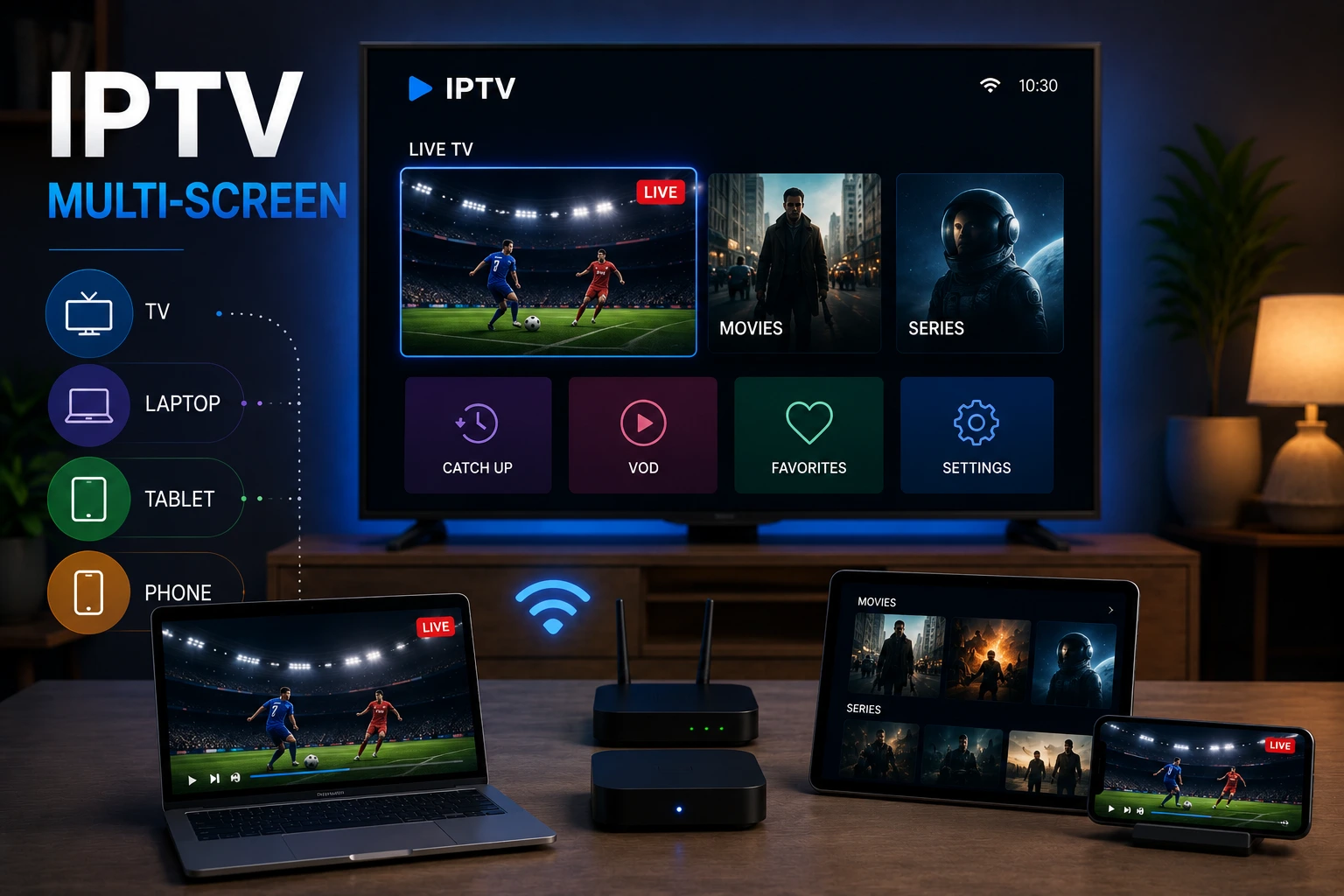
IPTV Smarters Pro supports multi-screen viewing, allowing you to watch different channels on multiple devices simultaneously using the same IPTV subscription. The number of concurrent streams depends on your provider's policy.
In This Article
How Multi-Screen Works
With multi-screen support, you can install IPTV Smarters Pro on all your devices and log in with the same credentials. Different family members can watch different channels on different devices at the same time. The app syncs your channel list, favorites, and EPG data across all devices automatically, so you pick up right where you left off no matter which device you use. This is similar to how streaming media services manage multiple concurrent streams on a single account.
Limitations & Considerations
While IPTV Smarters Pro itself supports unlimited device installations, the number of simultaneous streams is controlled by your IPTV provider. Most providers offer plans with 1-4 concurrent connections. If you try to exceed your connection limit, the app will show an error message. Check with your provider before subscribing if multi-screen viewing is important for your household.
- Each device streams independently — different channels on each screen
- VOD content counts toward your connection limit on most providers
- Some providers charge extra for additional simultaneous connections
- EPG and favorites sync automatically across all connected devices
How to Set Up Multi-Screen
Setting up multi-screen is straightforward. Install IPTV Smarters Pro on each device you want to use — the app is available on Android, iOS, Windows, Mac, Firestick, Samsung TV, and LG TV. Log in with the same credentials on each device. That is it. Your channel list and settings sync automatically, so you can start watching immediately on any device.
Check Your Provider Policy
Pro Tip
Conclusion
Multi-screen viewing transforms IPTV Smarters Pro from a personal player into a family entertainment hub. With support across every major platform and automatic syncing, everyone in your household can watch what they want, where they want, without stepping on each other toes. Just make sure your IPTV provider allows enough simultaneous connections for your needs.
IPTV Smarters Pro Team
IPTV streaming experts with 5+ years of hands-on experience testing IPTV players, apps, and services across Android, iOS, Firestick, and Smart TV platforms.
The IPTV Smarters Pro Team has been covering IPTV technology since 2021. We test every app, feature, and device ourselves to provide accurate, practical guides. Our reviews and tutorials have helped over 100,000 readers set up IPTV on their devices.
Frequently Asked Questions
Everything you need to know about IPTV Smarters Pro.