
Fix Login Errors in IPTV Smarters Pro
IPTV streaming experts with 5+ years of hands-on experience testing IPTV players, apps, and services across Android, iOS, Firestick, and Smart TV platforms.
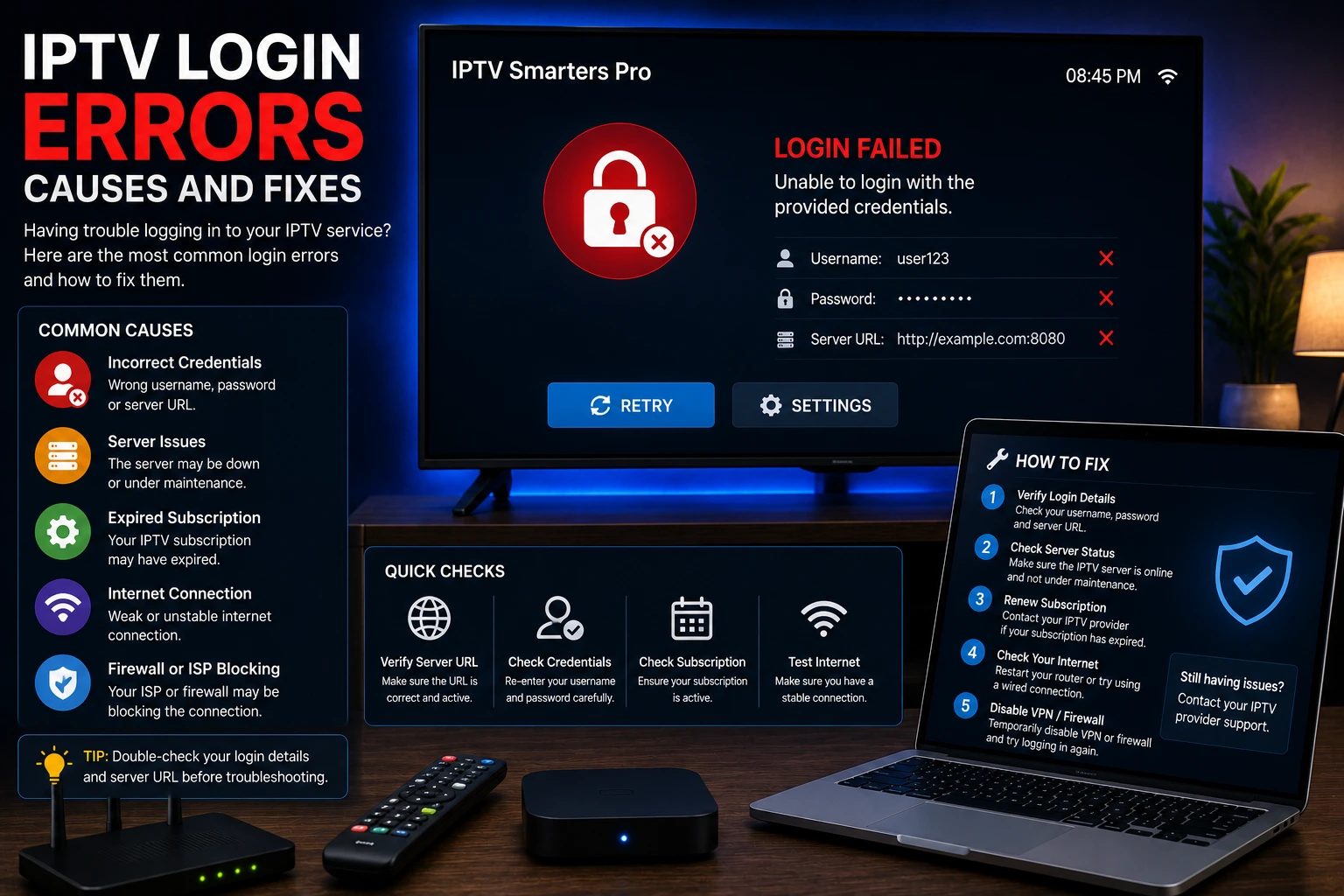
Login errors in IPTV Smarters Pro are typically caused by incorrect credentials, expired subscriptions, or server connectivity issues. Verify your username and password, check your subscription status, and ensure your internet connection is working.
Key Takeaways
- Login errors are usually caused by typos, expired subs, or wrong server URLs
- Xtream Codes port number (usually :8080) is often forgotten
- Take a screenshot of credentials when you first subscribe
- Contact your provider before your subscription expires
In This Article
Why Does IPTV Smarters Pro Say Login Failed?
"Login Failed" is the app's way of saying it can't authenticate with your IPTV provider's server. Nine times out of ten it's something simple — a typo in your username or password, a server URL that's missing the port number, an expired subscription, or the provider's server being down for maintenance. Don't panic; let's work through the fixes.
How to Fix Login Errors
Verify Credentials
Double-check your username and password for typos. Credentials are case-sensitive.
Check Subscription Status
Contact your IPTV provider to ensure your subscription is active and hasn't expired.
Verify Server URL
For Xtream Codes, ensure the server URL is correct including the port number (usually 8080).
Check Internet Connection
Ensure your device has a stable internet connection. Try running a speed test to verify connectivity.
Update the App
An outdated version may have compatibility issues. Download the latest version.
Reinstall the App
Uninstall and reinstall IPTV Smarters Pro to clear any corrupted data.
Best Practices to Avoid Login Errors
- Save your IPTV credentials in a password manager for easy access
- Take a screenshot of your Xtream Codes details when you first subscribe
- Contact your provider before your subscription expires to avoid interruption
- Use the "Test Connection" feature if available in your app settings
Are Login Errors a Sign of a Blocked Account?
Not usually. Most login errors come down to typos or expired subs. But if you see "Account Disabled" or "Max Connections Reached," your provider may have flagged your account for sharing credentials across too many devices. Most providers allow 1–2 simultaneous streams, so check your plan's limit.
Quick Tip
Heads Up
Final Thoughts
Login errors look alarming, but they're almost always the easiest IPTV problem to fix. Start by checking for typos, then verify your subscription is active, and make sure the server URL is complete. In most cases you'll be back up and streaming within minutes.
IPTV Smarters Pro Team
IPTV streaming experts with 5+ years of hands-on experience testing IPTV players, apps, and services across Android, iOS, Firestick, and Smart TV platforms.
The IPTV Smarters Pro Team has been covering IPTV technology since 2021. We test every app, feature, and device ourselves to provide accurate, practical guides. Our reviews and tutorials have helped over 100,000 readers set up IPTV on their devices.
Frequently Asked Questions
Everything you need to know about IPTV Smarters Pro.