
Fix Playlist Errors in IPTV Smarters Pro
IPTV streaming experts with 5+ years of hands-on experience testing IPTV players, apps, and services across Android, iOS, Firestick, and Smart TV platforms.
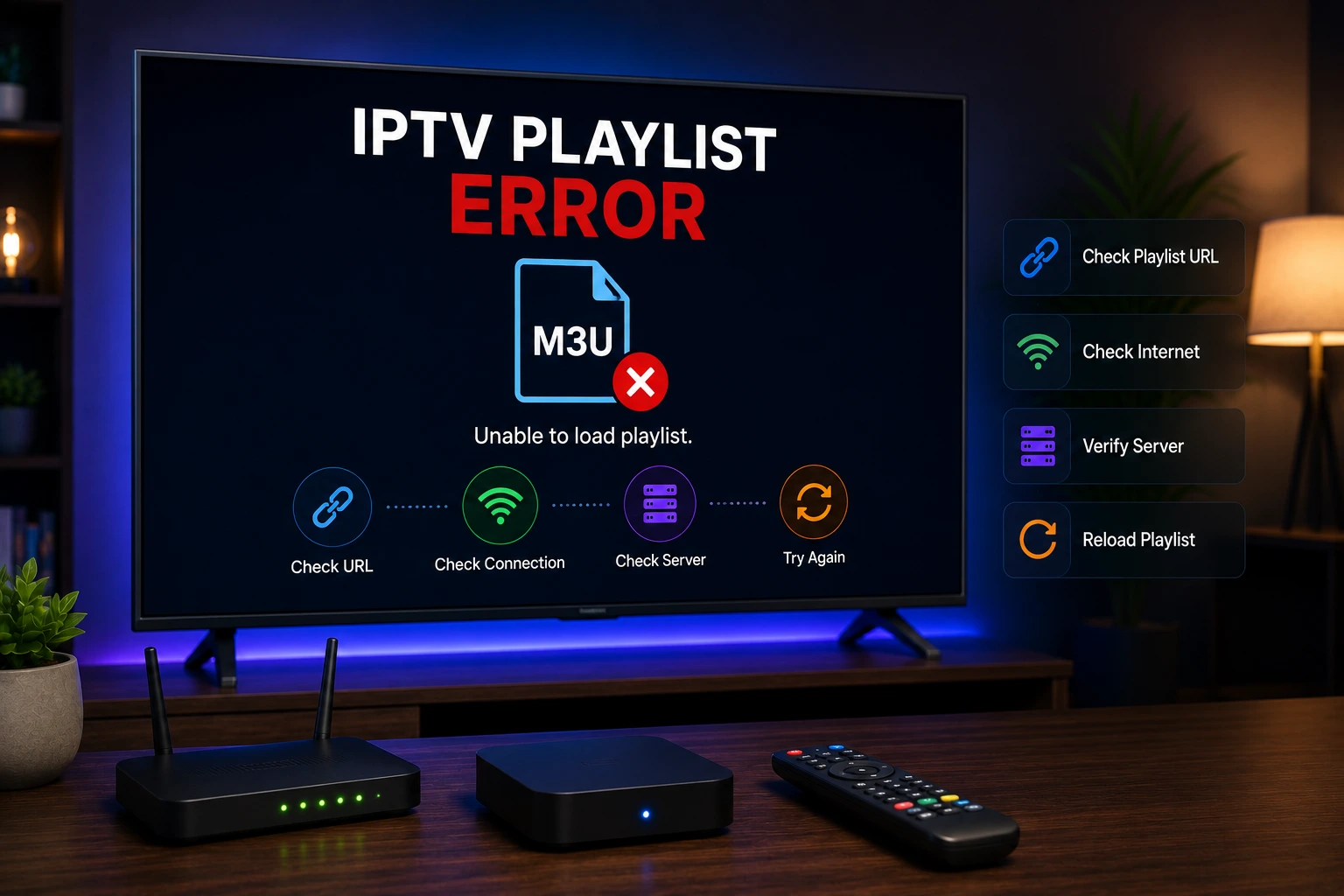
Playlist errors in IPTV Smarters Pro occur when the app cannot load or parse your M3U URL or Xtream Codes data. Verify the URL is correct, ensure the provider server is online, check that the playlist format is supported, and try refreshing the playlist.
Key Takeaways
- M3U URLs can expire — always have a backup or request a new one
- Xtream Codes has no URL expiration, making it more reliable
- Test your M3U URL in a browser to verify it's still active
- Contact your provider if playlist issues persist after troubleshooting
In This Article
Why Is My Playlist Not Loading?
A playlist that won't load means zero content — so it's one of the most urgent IPTV issues. The root cause is almost always on the provider side: an expired M3U URL, a server outage, or a format change. Occasionally your internet connection is the bottleneck, but if you can browse the web fine, the problem is upstream.
How to Fix Playlist Errors
Verify M3U URL
Ensure the M3U URL is complete and correct. Some providers expire URLs periodically. Learn about M3U playlist format.
Check Server Status
The provider's server may be down. Contact them to verify server status.
Refresh Playlist
In the app settings, use the refresh option to reload the playlist data from the server.
Check Format Compatibility
Ensure your playlist is in standard M3U or M3U8 format supported by the app.
Re-enter Credentials
Delete and re-add your login information in the app to clear any cached data.
Contact Provider
If the playlist still fails to load, your IPTV provider may need to regenerate your playlist URL.
Does Playlist Expiration Affect M3U vs Xtream Codes?
| Factor | M3U URL | Xtream Codes |
|---|---|---|
| URL Expiration | Common (providers set expiry) | No URL to expire |
| Server Changes | Requires new URL | Auto-updates via API |
| Troubleshooting | Check if URL still works in browser | Check server ping |
| Recovery | Request new URL from provider | Provider fixes server side |
Quick Test
Good to Know
Final Thoughts
Playlist errors are frustrating because they cut off all your content at once, but the fix is usually straightforward. Start by testing your M3U URL in a browser — that alone tells you whether the problem is with your link or the app. If you're on Xtream Codes, a quick ping or a message to your provider typically resolves things fast.
IPTV Smarters Pro Team
IPTV streaming experts with 5+ years of hands-on experience testing IPTV players, apps, and services across Android, iOS, Firestick, and Smart TV platforms.
The IPTV Smarters Pro Team has been covering IPTV technology since 2021. We test every app, feature, and device ourselves to provide accurate, practical guides. Our reviews and tutorials have helped over 100,000 readers set up IPTV on their devices.
Frequently Asked Questions
Everything you need to know about IPTV Smarters Pro.