
IPTV Smarters Pro Playlist Not Loading? Fix It Now
IPTV streaming experts with 5+ years of hands-on experience testing IPTV players, apps, and services across Android, iOS, Firestick, and Smart TV platforms.
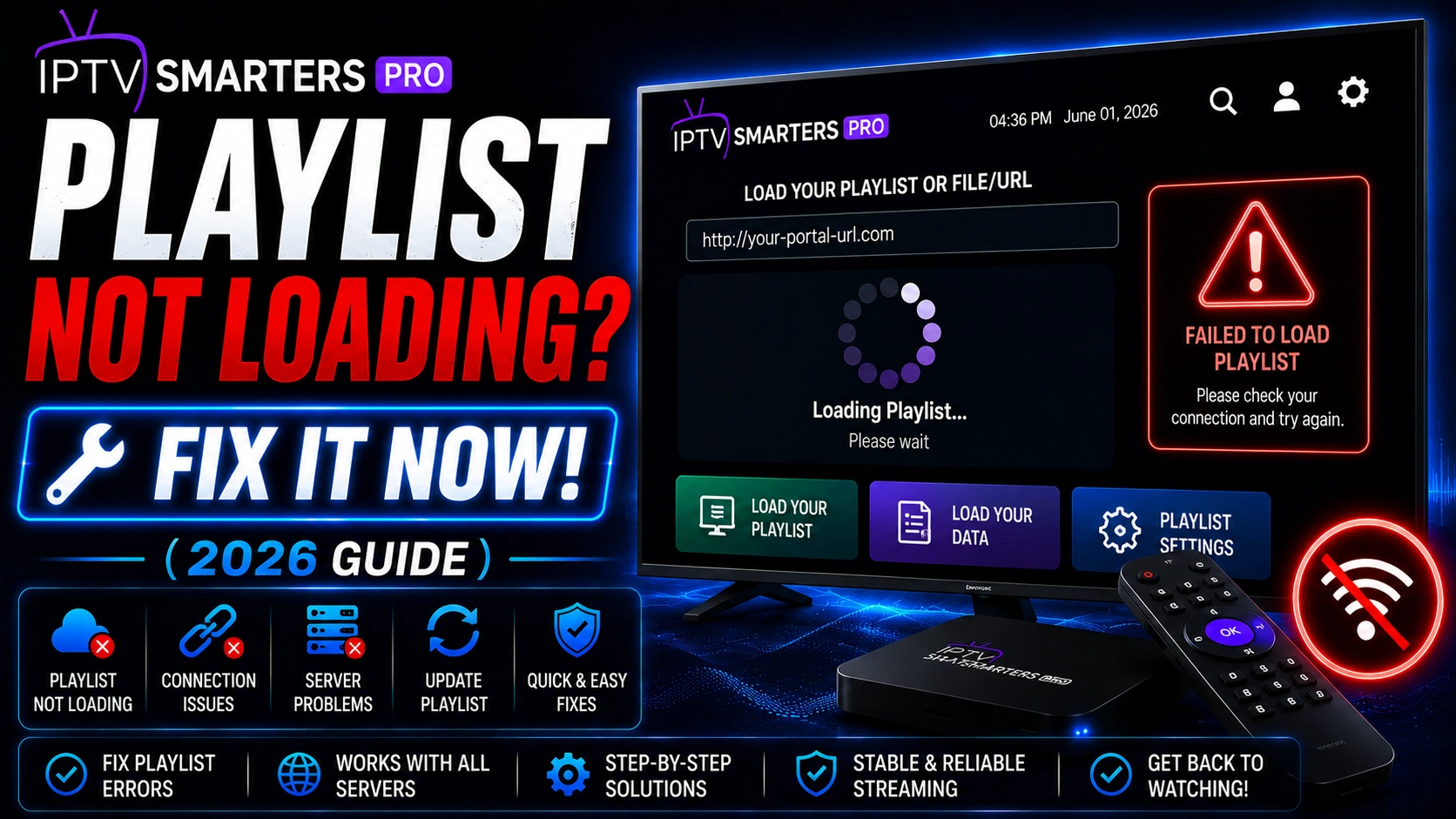
A playlist that refuses to load is one of the most frustrating IPTV issues. Before assuming the worst, work through these proven solutions in order. Most playlist loading problems have simple fixes.
Key Takeaways
- M3U URLs expire — request a fresh URL from your provider
- Xtream Codes requires the port number in the server URL
- Clear app cache before reinstalling the app
- Use a VPN if your ISP is blocking IPTV playlist URLs
- Always confirm your subscription is active before troubleshooting
In This Article
If your IPTV Smarters Pro playlist is not loading, the most common causes are an expired M3U URL, incorrect Xtream Codes credentials, server downtime from your provider, or a corrupted app cache. Fix it by requesting a fresh M3U URL from your provider, verifying your Xtream Codes server URL includes the port number, clearing the app cache, or restarting your device.
What Quick Checks Should You Do First?
- Check your internet connection — try loading a website on the same device
- Verify your IPTV subscription is still active and paid
- Restart IPTV Smarters Pro completely
- Restart your streaming device
Fix 1: Refresh Your M3U URL
M3U URLs expire regularly for security reasons. Contact your IPTV provider and request a fresh M3U URL. In IPTV Smarters Pro, go to Settings > Playlist and enter the new URL. If you are unsure how to enter it correctly, see our M3U setup guide.
M3U URL Expiry
Fix 2: Verify Xtream Codes Credentials
Xtream Codes login requires three fields: server URL, username, and password. The server URL must include the port number (e.g., http://provider.com:8080). Double-check all three fields for typos. If your credentials were working before and stopped, contact your provider to confirm your account is active.
Fix 3: Clear App Cache and Data
Corrupted cached data can prevent playlists from loading. Go to your device Settings > Apps > IPTV Smarters Pro> Storage > Clear Cache. If the issue persists, tap Clear Data (this will log you out, so have your credentials ready).
Clearing Data Logs You Out
Fix 4: Check Your Provider's Server Status
Sometimes the problem is on your provider's end. Check their website, social media, or contact support to confirm there is no server outage. If their servers are down, you will need to wait until they are back online.
Fix 5: Use a VPN
Some ISPs block IPTV playlist URLs at the network level. A VPN encrypts your DNS requests and prevents this blocking. Connect to a VPN service and try loading the playlist again.
Frequently Asked Questions
Has my M3U URL expired?
M3U URLs are typically rotated by providers every 24 to 72 hours. If your playlist stopped working suddenly, an expired URL is the first thing to check. Contact your provider to request a fresh M3U link and enter it in the app settings.
What format should my Xtream Codes URL be?
Your Xtream Codes server URL must include the protocol, domain, and port number. The correct format is http://yourprovider.com:8080. The port is often 8080 or 8880— your provider will tell you which one to use.
Do I need to refresh my playlist?
Yes, refreshing your playlist can resolve temporary loading glitches. In IPTV Smarters Pro, go to Settings and look for a reload or refresh option. This forces the app to re-fetch the channel list from your provider rather than using a cached version.
Why does my playlist work on one device but not another?
This usually points to a device-specific issue rather than a problem with your subscription. Try clearing the app cache on the affected device, check that the app is updated to the latest version, and ensure the device has a stable internet connection. Different devices may also have different DNS settings— a VPN can help if one device is being throttled by your ISP.
Ready to Start Streaming?
Download IPTV Smarters Pro for free and enjoy live TV, movies, and series on all your devices.
Download IPTV Smarters ProConclusion
Playlist loading issues in IPTV Smarters Pro are almost always fixable with simple steps. Start with refreshing your playlist URL or verifying credentials, then move through cache clearing and VPN solutions. Ready to try it? Download IPTV Smarters Pro for free.
Final Thoughts
Playlist loading issues in IPTV Smarters Pro are almost always fixable with simple steps. Start with refreshing your playlist URL or verifying credentials, then move through cache clearing and VPN solutions. If you have tried everything and the problem persists, visit our playlist errors troubleshooting guide for advanced solutions.
Large playlists can cause loading failures on lower-end devices. If your provider's playlist contains several thousand channels or VOD entries, devices with limited RAM — particularly Firestick Lite and older Fire TV models — may time out before the playlist finishes parsing. Request a slimmed-down playlist from your provider that excludes categories you do not watch, such as adult content or non-English channels. Some providers offer a "lite" playlist option specifically for low-memory devices. Alternatively, you can use an M3U editor tool on a computer to strip unwanted entries before uploading the filtered list to your device. This reduces the parsing load and dramatically improves loading reliability.
The EPG (Electronic Program Guide) data bundled with your playlist can also cause loading failures. Some providers attach extensive EPG XML data that overwhelms the app's parser, resulting in a partial or completely failed playlist load. To test this, load your playlist with EPG disabled: in IPTV Smarters Pro settings, look for EPG settings and toggle them off, then attempt to reload the playlist. If it loads successfully, the EPG data is the bottleneck. Request a separate EPG URL from your provider that you can load independently after the playlist is established. On Firestick 4K and newer models, you can also try increasing the app's timeout threshold by enabling "Advanced Settings" in the app preferences if available, which gives the playlist more time to fully parse before the connection drops.
IPTV Smarters Pro Team
IPTV streaming experts with 5+ years of hands-on experience testing IPTV players, apps, and services across Android, iOS, Firestick, and Smart TV platforms.
The IPTV Smarters Pro Team has been covering IPTV technology since 2021. We test every app, feature, and device ourselves to provide accurate, practical guides. Our reviews and tutorials have helped over 100,000 readers set up IPTV on their devices.